
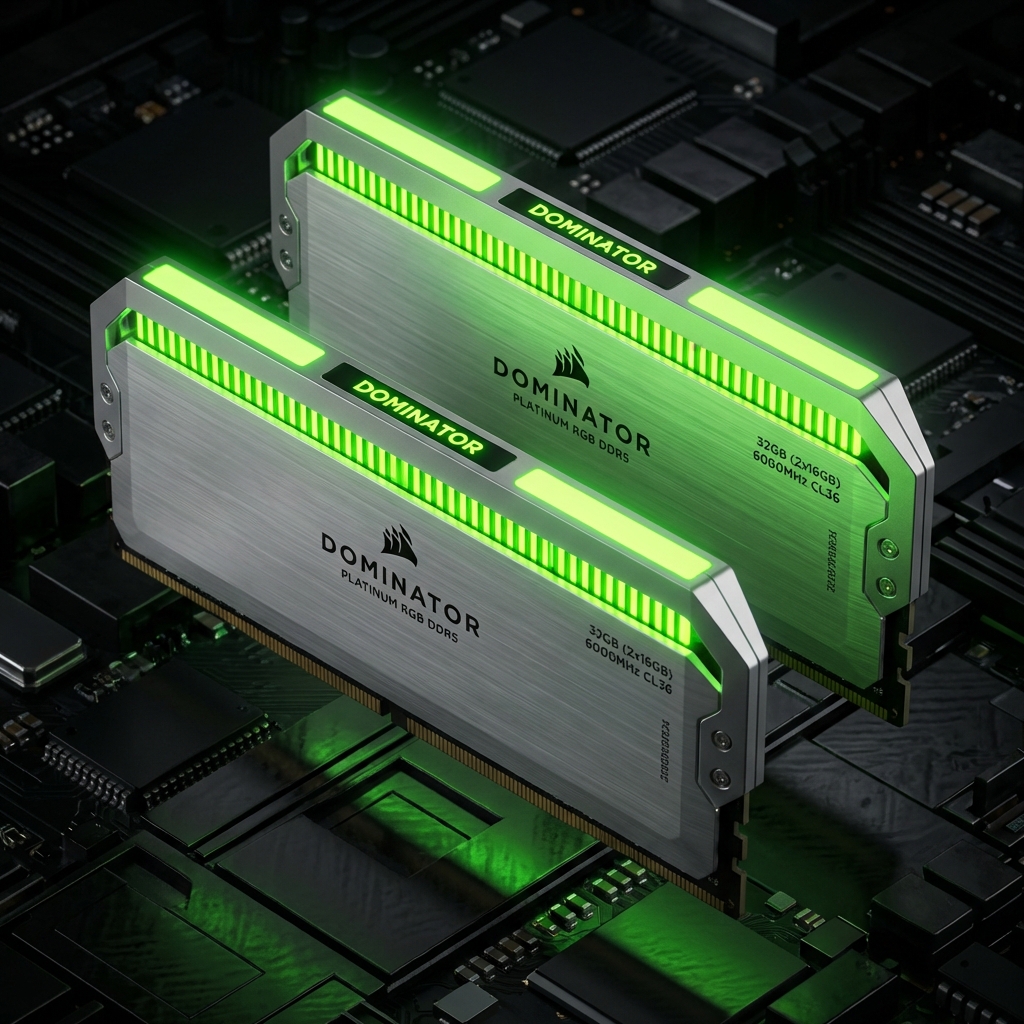
Fury Beast RGB 32GB (2x16GB) DDR5 6000MHz
Hardware Component
Power & Efficiency
Quick Summary
The Fury Beast RGB 32GB (2x16GB) DDR5 6000MHz delivers solid performance with a score of 910. A reliable component for PC builds.
Advantages
- Reliable performance for its class
- Standard feature set
Considerations
- Price may vary by region
- Stock availability fluctuates
Performance Benchmarks
Technical Specs
Value Proposition
Cost efficiency metric. Lower is better.
Our Verdict:A reliable mid-range RAM offering good value. It handles current generation workloads well, though it may show its age sooner than premium alternatives.
Understanding Fury Beast RGB 32GB (2x16GB) DDR5 6000MHz Memory
The Fury Beast RGB 32GB (2x16GB) DDR5 6000MHz kit provides 32GB of DDR5 memory running at 6000MHz. This speed directly affects how quickly your processor accesses data. Faster memory reduces latency in everyday tasks and provides measurable gains in memory-sensitive applications.
With latency timings of CL36, this kit balances speed and responsiveness. Lower latency means your CPU waits less for data. Games, productivity applications, and creative software all benefit from this reduced wait time.
Memory capacity of 32GB handles modern workloads comfortably. Chrome browsers with multiple tabs, video editing projects, and running virtual machines all consume significant RAM. Having adequate capacity prevents slowdowns from disk swapping.
Compatibility and Installation Tips
Before purchasing, verify your motherboard supports DDR5 memory at the specified speed. Memory compatibility lists on manufacturer websites confirm tested configurations. Running memory outside validated speeds can cause stability issues.
For dual-channel operation, install matching sticks in the correct slots. Most motherboards designate specific slots for optimal two-stick configurations. Check your motherboard manual for the recommended slot arrangement, typically slots 2 and 4.
Enabling XMP or EXPO profiles in BIOS activates the rated speed. Without this step, memory runs at default slower speeds. This one BIOS change unlocks the full performance you purchased. The Crucial Memory Info page explains these profiles in detail.