
SONY DUALSENSE 4 WIRELESS CONTROLLER
Official PlayStation 4 DualShock 4 Wireless Controller with touchpad, light bar, and motion controls. Compatible with PS4, PC, and mobile devices.

Product Gallery
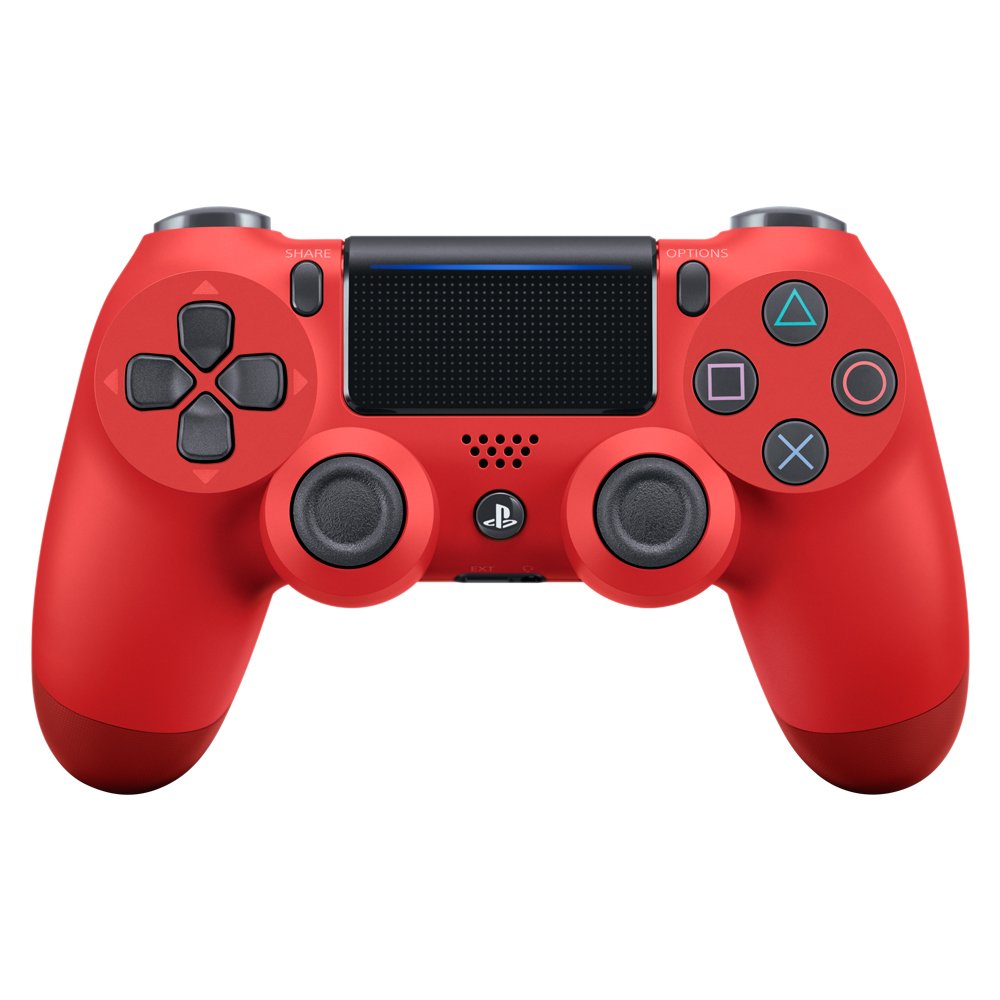
View 1
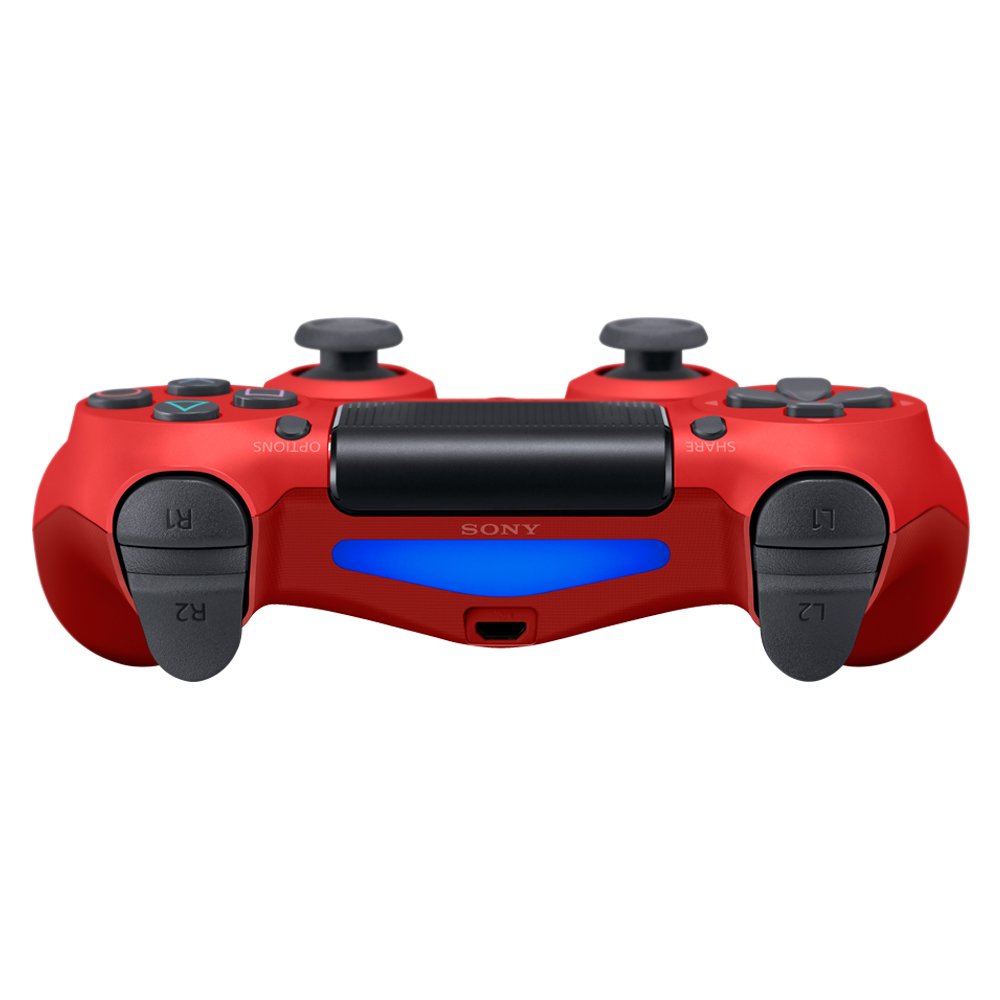
View 2
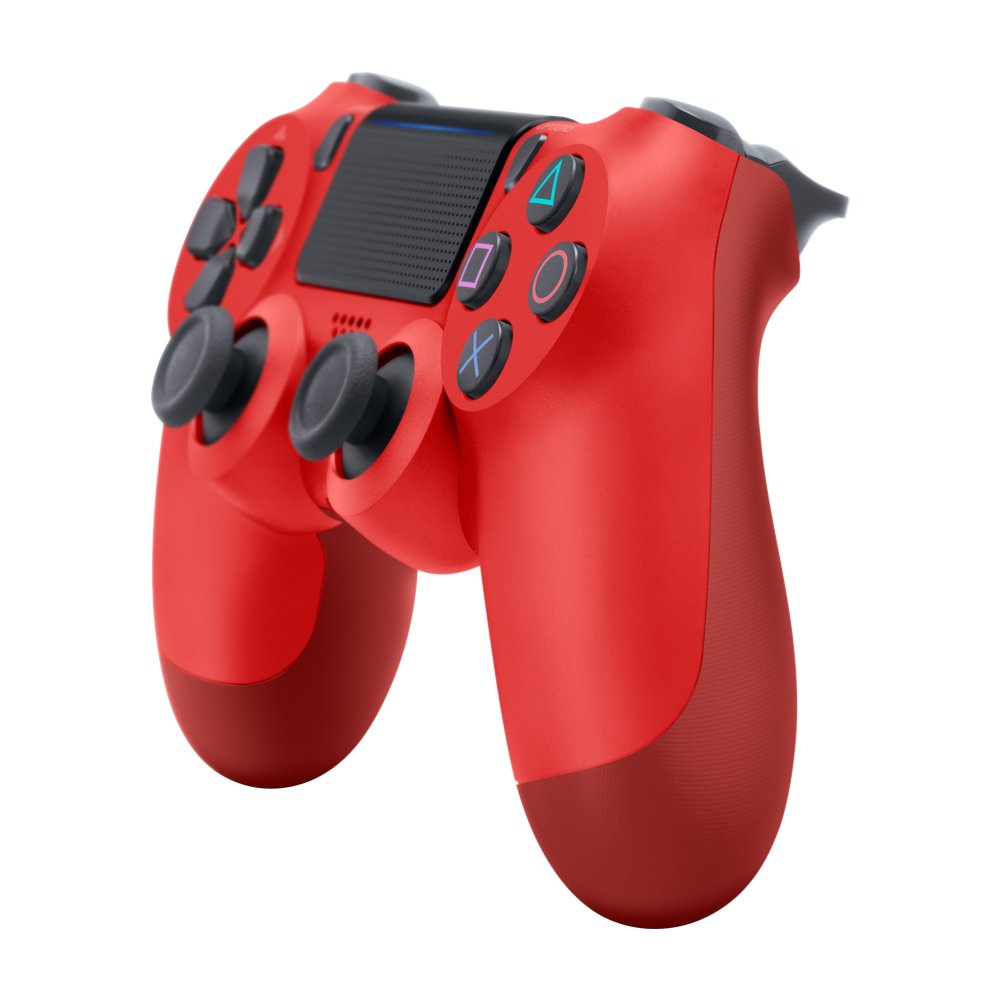
View 3
View 4
Key Features & Specs
Key Features
- •Touchpad with Click Functionality
- •Light Bar for Visual Feedback
- •Motion Sensing Technology
- •Share Button for Content Sharing
- •Built-in Speaker
- •3.5mm Audio Jack
- •Wireless Connectivity
- •USB Charging Port
Technical Specifications
- •Wireless Connectivity: Bluetooth 2.1
- •Battery Life: Up to 8 hours
- •Charging: USB Micro-B Cable
- •Weight: 210g
- •Dimensions: 162mm x 57mm x 98mm
- •Compatibility: PS4, PC, Mobile
- •Audio: 3.5mm headphone jack
- •Vibration: Dual shock motors
Gaming Experience
- •Precise Analog Sticks
- •Responsive D-Pad
- •Comfortable Grip Design
- •Intuitive Button Layout
- •Multi-platform Support
- •Reliable Wireless Connection
- •Long Battery Life
- •Easy Setup and Configuration
Where to Buy SONY DUALSENSE 4 WIRELESS CONTROLLER
Option 1
Check Price
Prices may vary. We may earn a commission from qualifying purchases.
Frequently Asked Questions
Is the DualShock 4 controller compatible with PlayStation 5?
Yes, the DualShock 4 controller is compatible with PlayStation 5, but only for playing PlayStation 4 games. It cannot be used to play native PS5 games due to the different controller requirements.
Can I use the DualShock 4 controller with my PC?
Yes, the DualShock 4 controller is compatible with PC via USB cable or Bluetooth connection. You may need to install drivers or use software like DS4Windows for full functionality on Windows systems.
How long does the battery last on a single charge?
The DualShock 4 controller provides up to 8 hours of battery life on a single charge. Battery life may vary depending on usage patterns, with features like the light bar and vibration consuming more power.
Does the controller have a built-in speaker?
Yes, the DualShock 4 controller features a built-in speaker that can be used for in-game audio. You can also use the 3.5mm audio jack to connect your own headset for better audio quality.
How do I charge the DualShock 4 controller?
The DualShock 4 controller charges via USB Micro-B cable. You can charge it by connecting it to your PlayStation 4 console, a USB wall adapter, or any USB-compatible device. The controller also supports charging while in use.
Is the controller compatible with mobile devices?
Yes, the DualShock 4 controller is compatible with Android devices and some iOS devices via Bluetooth. However, compatibility may vary depending on the device and operating system version.
How do I maintain and clean my DualShock 4 controller?
To maintain your DualShock 4 controller, regularly clean it with a soft, slightly damp cloth. Avoid using harsh chemicals or submerging the controller in water. Keep the USB port clean and free of debris. Store the controller in a cool, dry place when not in use.
What is the light bar used for?
The light bar on the DualShock 4 controller provides visual feedback during gameplay, such as indicating player status, health levels, or game-specific information. It can also be used for PlayStation Camera tracking and adds to the immersive gaming experience.
Ready for SONY DUALSENSE 4 WIRELESS CONTROLLER?
Check if your system is ready for the SONY DUALSENSE 4 WIRELESS CONTROLLER