
Quick answer
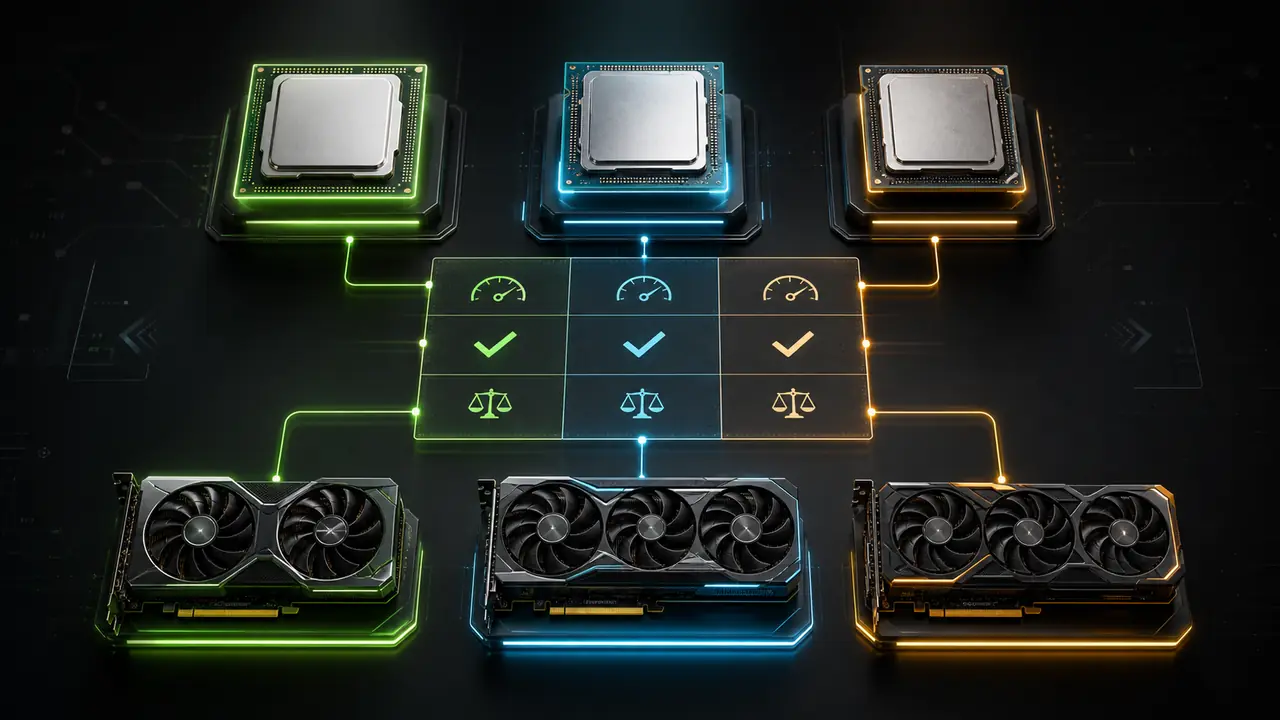
The best CPU-GPU combination is the one that fits your resolution, refresh rate, games, and budget. For 1080p high FPS, CPU strength matters more. For 1440p, balance matters most. For 4K, GPU power usually matters most.
Use the bottleneck calculator to compare pairings, but do not chase a perfect zero. Every real PC has a limiting component somewhere.
Balanced does not mean identical
A balanced gaming PC does not require CPU and GPU to have the same price or tier. It means neither part is so mismatched that money is wasted. A high-end GPU with a very old CPU can stutter at 1080p. A flagship CPU with a weak GPU can underperform at 1440p or 4K.
The goal is not to eliminate all limits. The goal is to meet your FPS target smoothly.
Best direction for 1080p
At 1080p, especially 144 Hz or 240 Hz, choose a CPU with strong per-core performance and a GPU that matches your graphics settings. Competitive games often prefer stable frametime and high 1% lows over ultra settings.
For this use case, a CPU upgrade can matter more than expected.
Best direction for 1440p
1440p is the practical balance point for many gaming PCs. A modern mid/high CPU with a strong GPU usually performs well. The GPU carries more load than at 1080p, but CPU still affects high refresh-rate gaming and minimum FPS.
Best direction for 4K
At 4K, the GPU is usually the main limiter. Do not overspend on CPU if it forces you to buy a weaker GPU. A solid modern CPU plus a stronger GPU is often the better 4K plan.
Check the rest of the platform
CPU and GPU are not the entire build. RAM, cooling, power supply, storage, and case airflow can all affect stability. A great pairing can still feel bad if memory is single-channel or the GPU throttles under heat.
For diagnostics, read CPU vs GPU bottleneck test and how to reduce bottleneck in games.
FAQ
What CPU-GPU combination has no bottleneck?
No real combination has zero limit in every game. Aim for a balanced pair for your resolution and FPS target.
Should GPU cost more than CPU?
For 1440p and 4K gaming, often yes. For high-FPS 1080p, CPU can matter more.
Is a small bottleneck okay?
Yes. A small bottleneck is normal if gameplay is smooth.
Should I upgrade CPU and GPU together?
Only if both are limiting your target. Otherwise, upgrade the proven limiter first.
Is RAM part of a good pairing?
Yes. Slow, low-capacity, or single-channel RAM can hurt 1% lows and smoothness.
Tags

Our editorial team checks PC hardware calculations against benchmark data and explains CPU, GPU, RAM, and resolution limits separately.
Editorial methodology