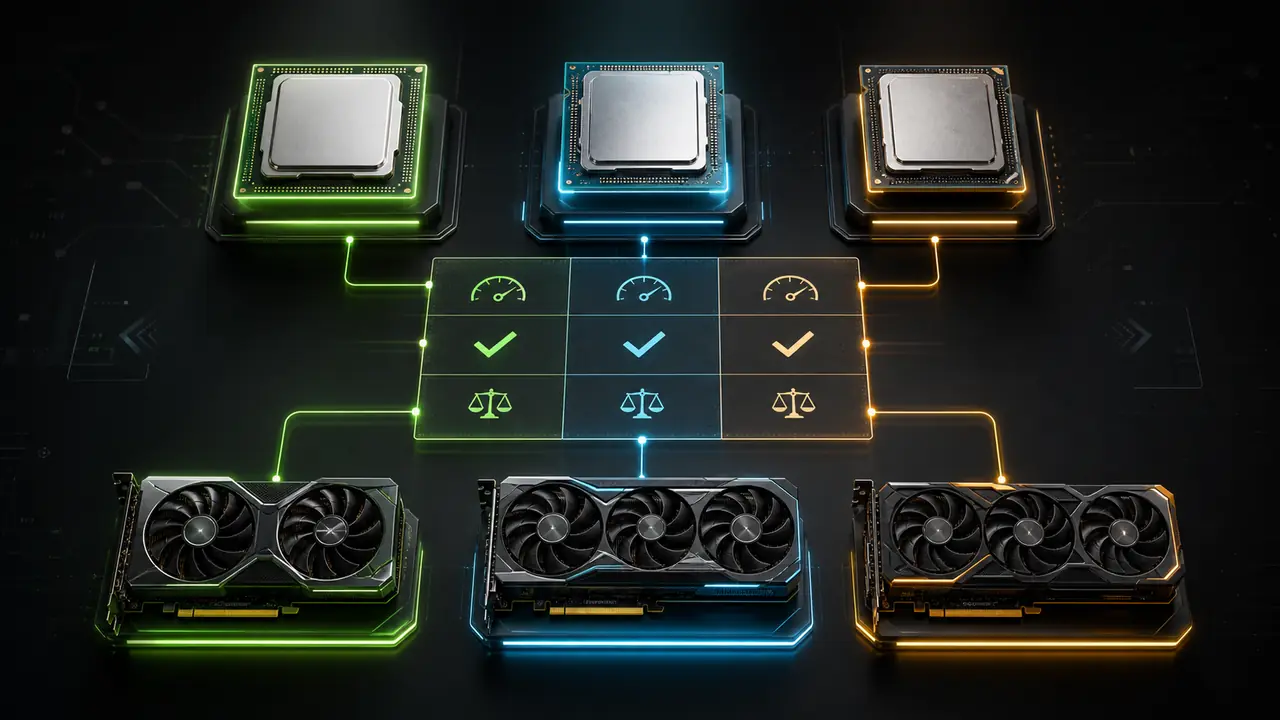
Bottleneck Calculator: Check CPU & GPU Balance
Estimate which component may limit gaming performance at 1080p, 1440p, or 4K before you spend money on an upgrade.
Can't decide between two builds?
Bottleneck calculator guides
Learn how to read bottleneck results before upgrading
These guides support the main bottleneck calculator intent with practical checks for CPU limits, GPU limits, RAM issues, resolution changes, and balanced upgrade decisions.
What is a bottleneck calculator?
Plain-English explanation of calculator results, limits, and real-world validation.
How to read bottleneck percentage
Turn a percentage into CPU, GPU, RAM, resolution, and FPS decisions.
CPU vs GPU bottleneck test
Use utilization, frametime, resolution, and settings to find the real limit.
How to reduce bottleneck in games
Practical fixes before buying a new processor or graphics card.
Best CPU-GPU combinations
Build balanced PCs for 1080p, 1440p, 4K, streaming, and creator workloads.
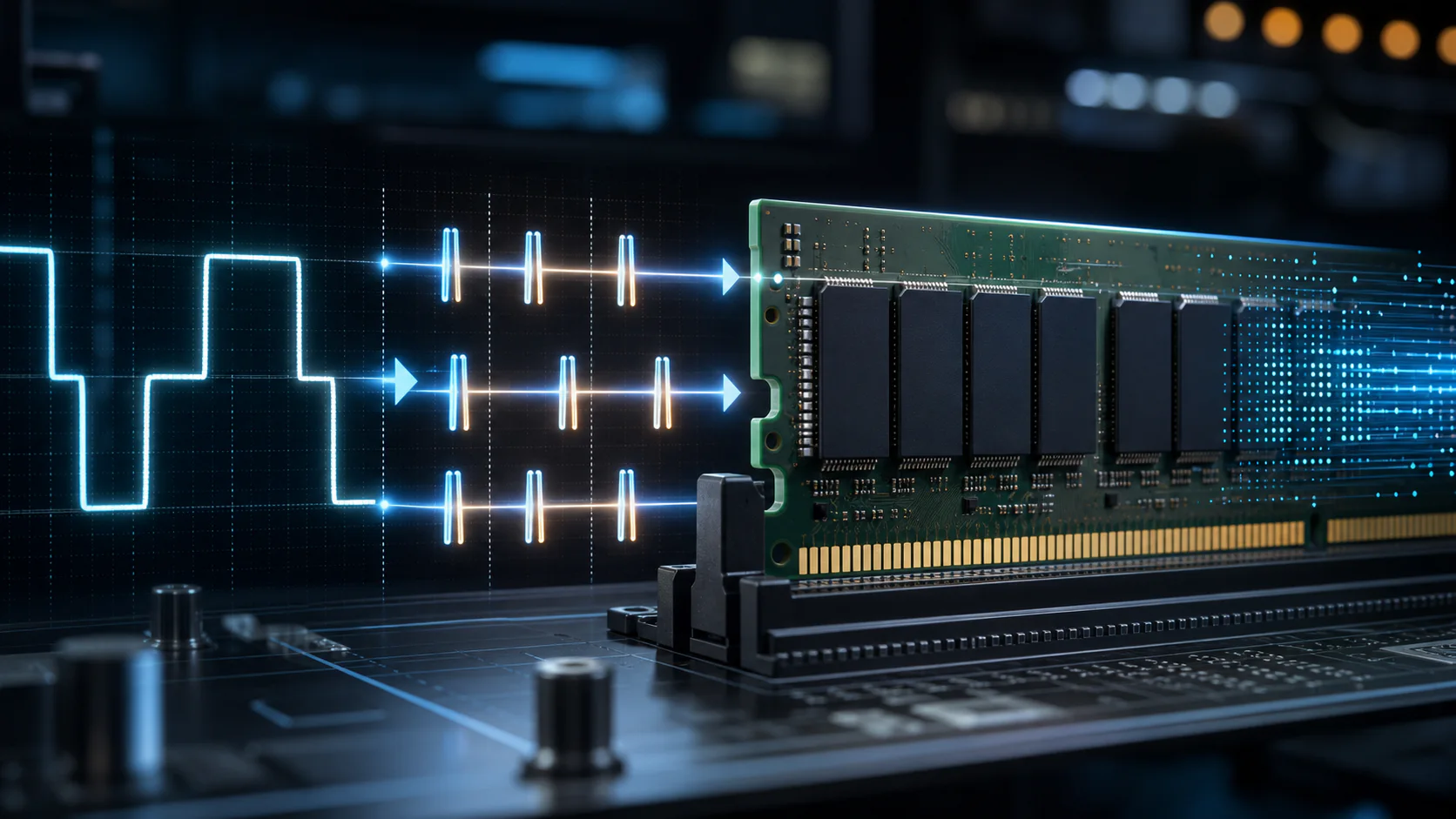
RAM speed vs MT/s vs MHz
Understand memory bandwidth, speed labels, and when RAM affects performance.
Estimate which component may limit gaming performance at 1080p, 1440p, or 4K before you spend money on an upgrade.
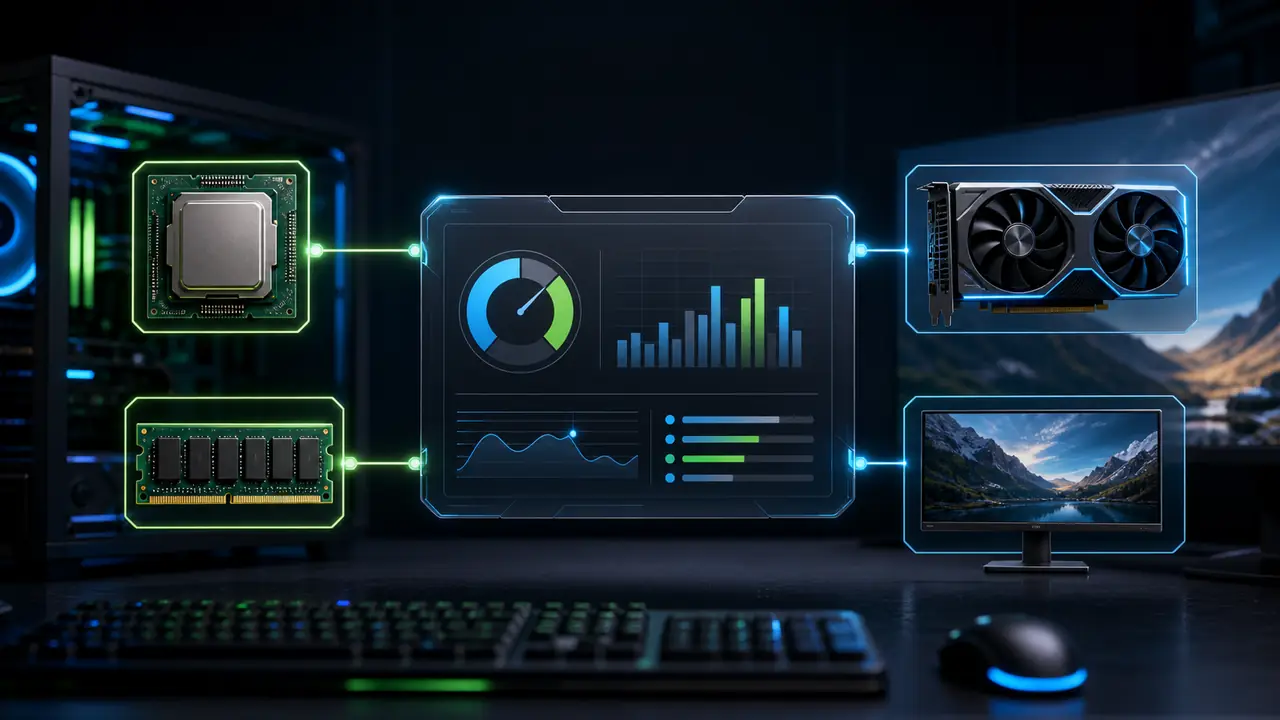
What This Calculator Helps You Check
Use the same PC details that affect the upgrade decision: components, resolution, RAM, and workload.
Component Context
Start with the CPU, GPU, RAM, and display resolution you actually use.
Scenario Comparison
Compare likely CPU and GPU limits across common gaming workloads and resolutions.
Clear Limitations
See why game engines, drivers, temperatures, and background tasks can change real FPS.
Next-Step Guidance
Use the result to decide whether to test settings, monitor the PC, or investigate an upgrade.
Built For Every Type of PC User
Whether you're building, upgrading, or buying—we've got you covered.
Building a New PC?
“Worried about wasting $500+ on mismatched parts?”
Compare the likely CPU and GPU limit at your target resolution before choosing parts, then verify the shortlist with game benchmarks.
Check My Build
Upgrading Your GPU?
“Will your current CPU hold back a new graphics card?”
Check whether the CPU or GPU is the more likely limit before deciding which component deserves closer testing or an upgrade.
Check Compatibility
Buying a Pre-Built?
“Don't trust the "gaming PC" label? Smart move.”
Compare a pre-built PC's CPU, GPU, RAM, and target resolution, then check the result against independent reviews before buying.
Validate Pre-Built
Content Creator or Pro?
“Premiere, Blender, and streaming have different needs than gaming.”
Use the workload selector to explore how a component pairing may behave outside a single gaming scenario.
Analyze WorkstationCheck PC Balance Before You Upgrade
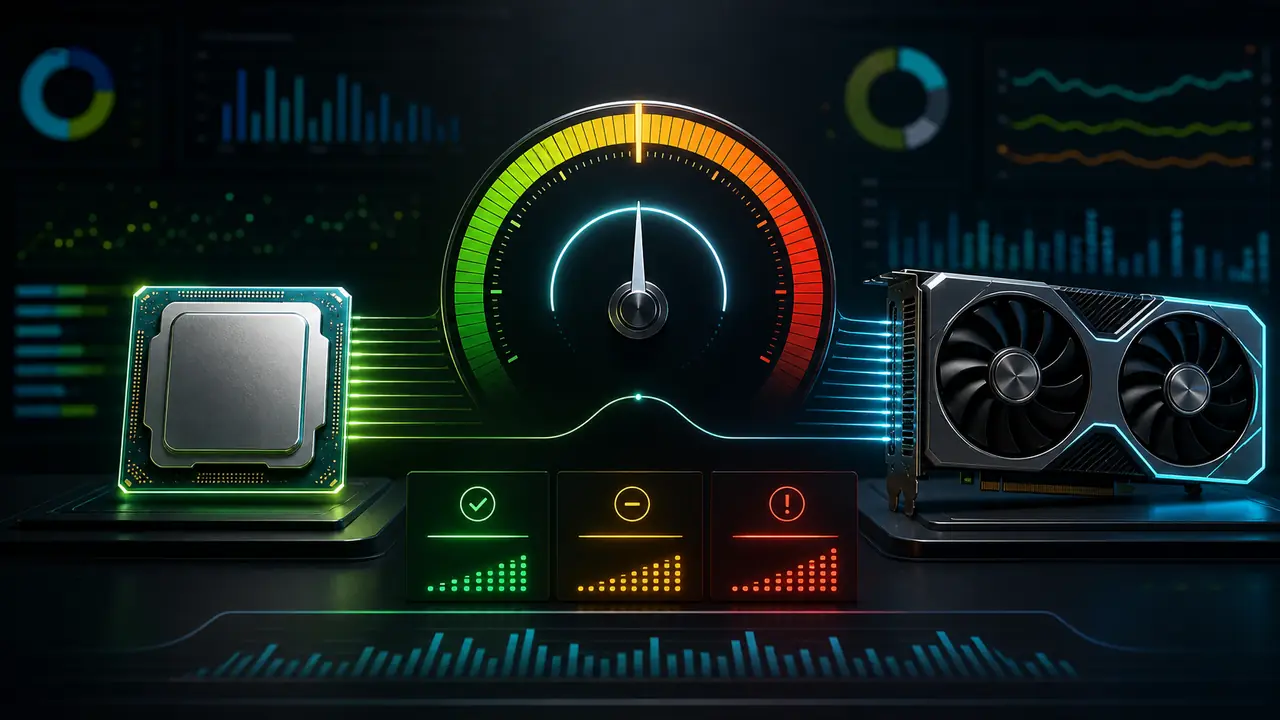
A bottleneck is not one fixed percentage. It changes with the game, resolution, frame-rate target, memory, settings, and the parts in your PC. Use this calculator to form a practical upgrade shortlist, then validate the decision with in-game monitoring or published benchmarks.

Resolution-Based Scenarios
Compare 1080p, 1440p, and 4K scenarios to see how the practical limiter can move between the CPU and GPU.
Workload Context
Review esports, open-world, strategy, racing, and battle-royale workloads instead of treating every game as the same test.

Upgrade Priorities
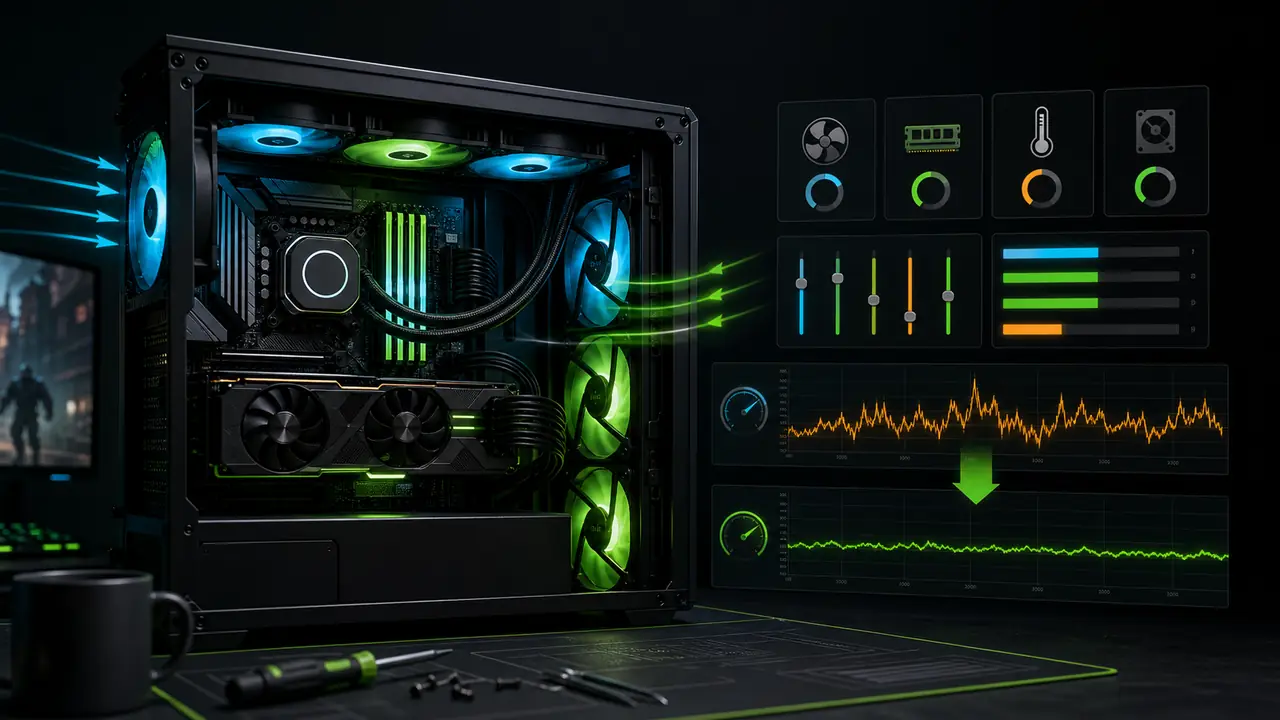
See whether settings, RAM, cooling, a CPU, or a GPU is the more sensible place to investigate first.
How Our Calculator Works
The calculator combines the selected CPU and GPU performance data with resolution, RAM, workload type, ray tracing, and upscaling settings. It shows a likely limiter, estimated frame-rate range, and the factors that can change the outcome.
Use the result as decision support, not a guarantee. Drivers, game patches, cooling, background tasks, and individual game engines can shift real-world FPS. Check the methodology and compare the result with an overlay before buying hardware.
 Methodology and data-source notes
Database Updated: View Data Sources
Our Testing Methodology
The model combines normalized CPU and GPU performance signals with the selected workload and display settings:
- Cinebench R23 for CPU single and multi-thread scores
- 3DMark Time Spy for GPU rasterization performance
- 3DMark Port Royal for ray tracing capabilities
- Resolution scaling for 1080p, 1440p, and 4K scenarios
Data Sources & Validation
The performance database uses published specifications and benchmark reference data:
- CPU model, core, thread, clock, and normalized score fields
- GPU model, memory, bandwidth, power, and normalized score fields
- Reference checks against manufacturer specifications and established hardware publications
- Methodology notes explain the model assumptions and known limits
Accuracy & Limitations
We're committed to transparency about what our calculator can and cannot do:
- Estimates are compared with public gaming benchmark references
- Results are estimates—actual performance varies by game, drivers, and system configuration
- Thermal throttling, RAM speed, and storage are not fully modeled
- New hardware may have limited data until sufficient benchmarks exist
Our Editorial Commitment
We maintain strict editorial independence. Our recommendations are based solely on performance data—not affiliate partnerships or sponsorships. When we link to products, we clearly disclose affiliate relationships.
How to Identify CPU-GPU Bottlenecks
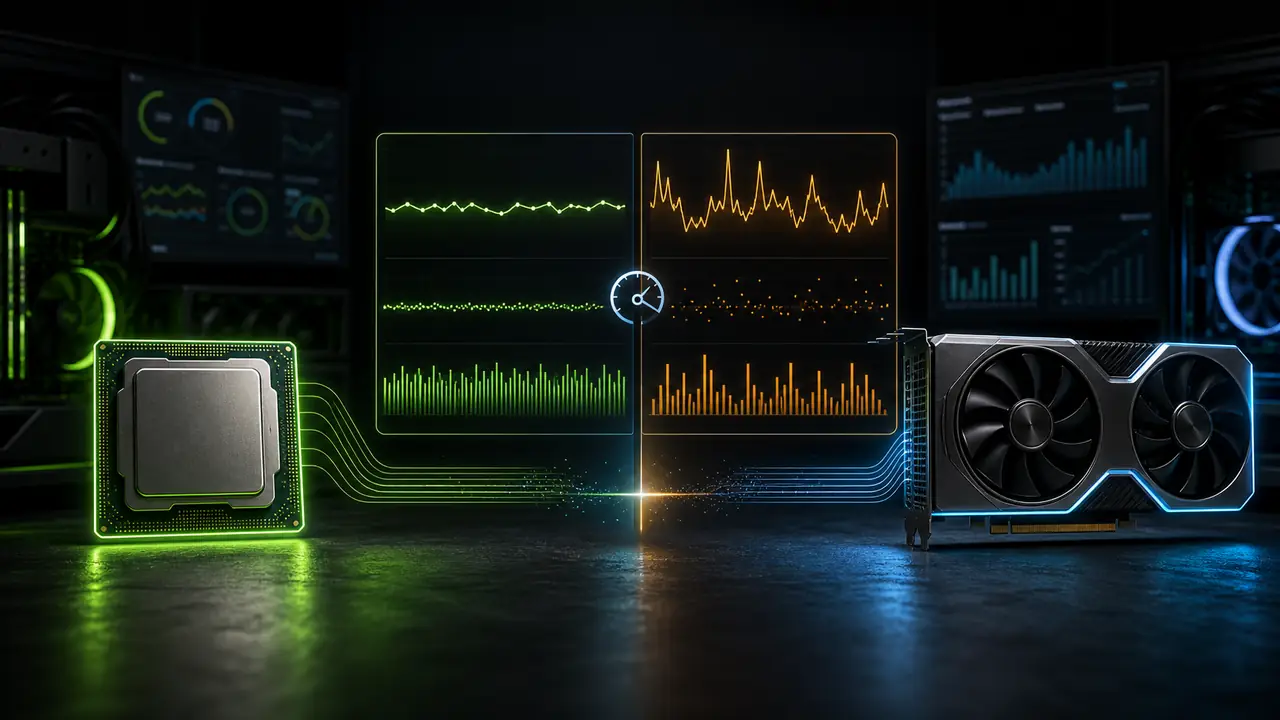
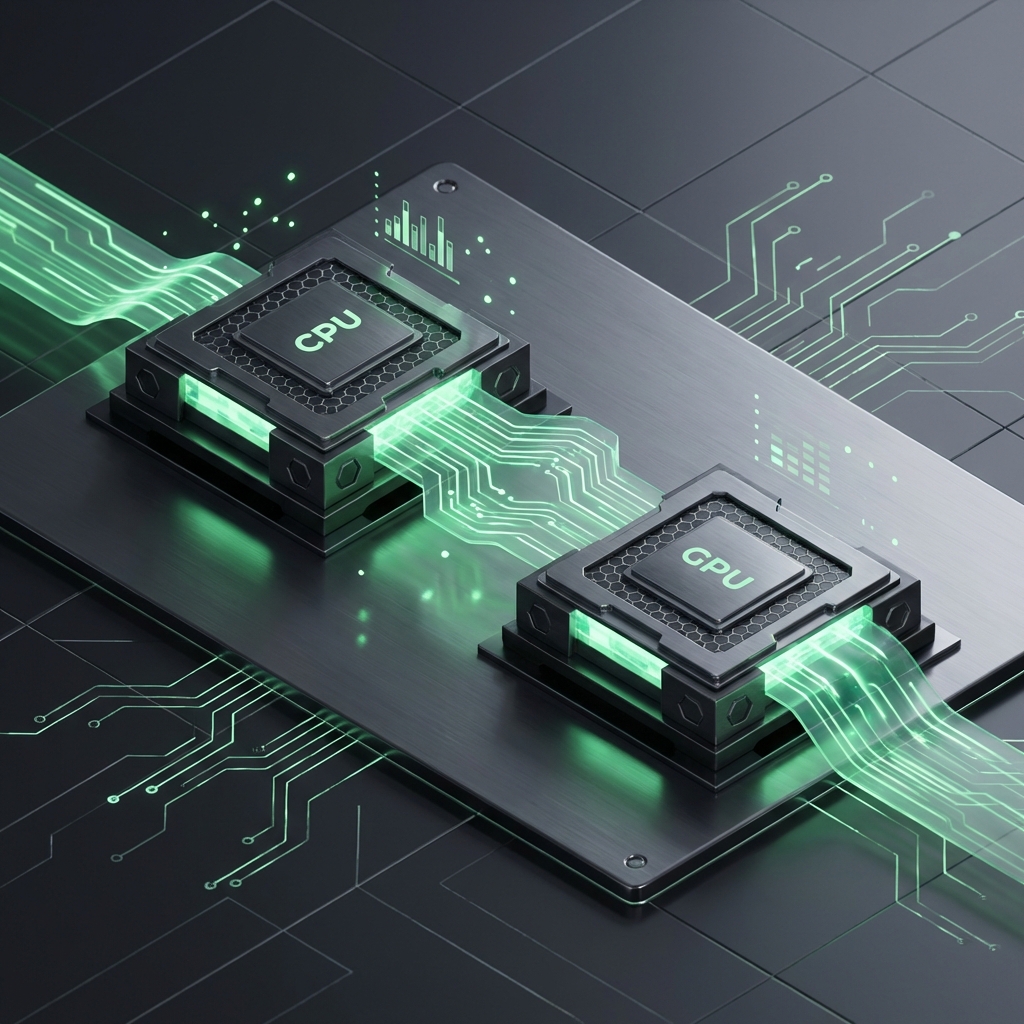
GPU usage below 90–95% while the CPU is heavily loaded indicates a CPU bottleneck. Here's how to check:
1. Use the right tools
Use free monitoring tools: MSI Afterburner, RivaTuner, HWiNFO, or GPU-Z.
2. Start monitoring
Launch a game you play regularly and open the overlay to see CPU and GPU usage while playing.
3. Observe usage
CPU bottleneck: GPU < 90%, CPU > 90%. GPU limit (ideal): GPU > 95%. Other signs: Stutters, low FPS.
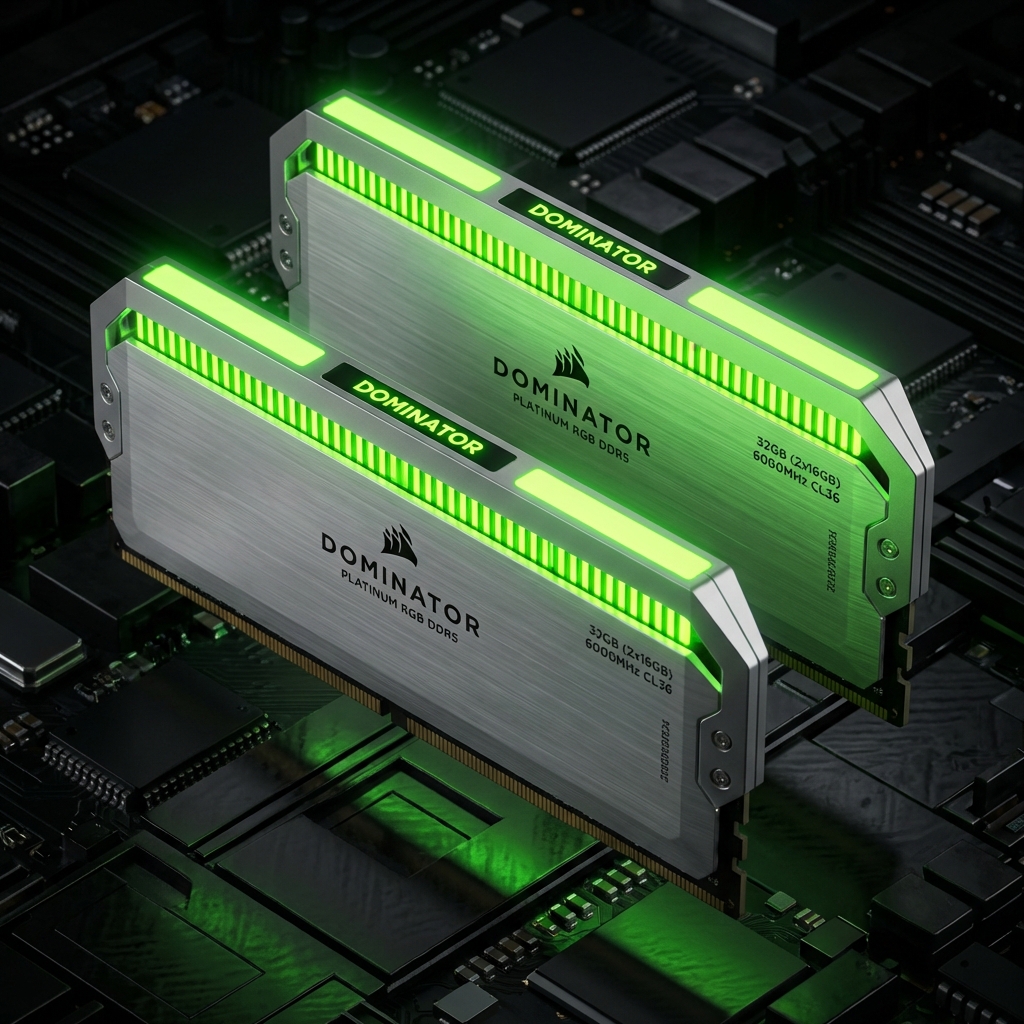
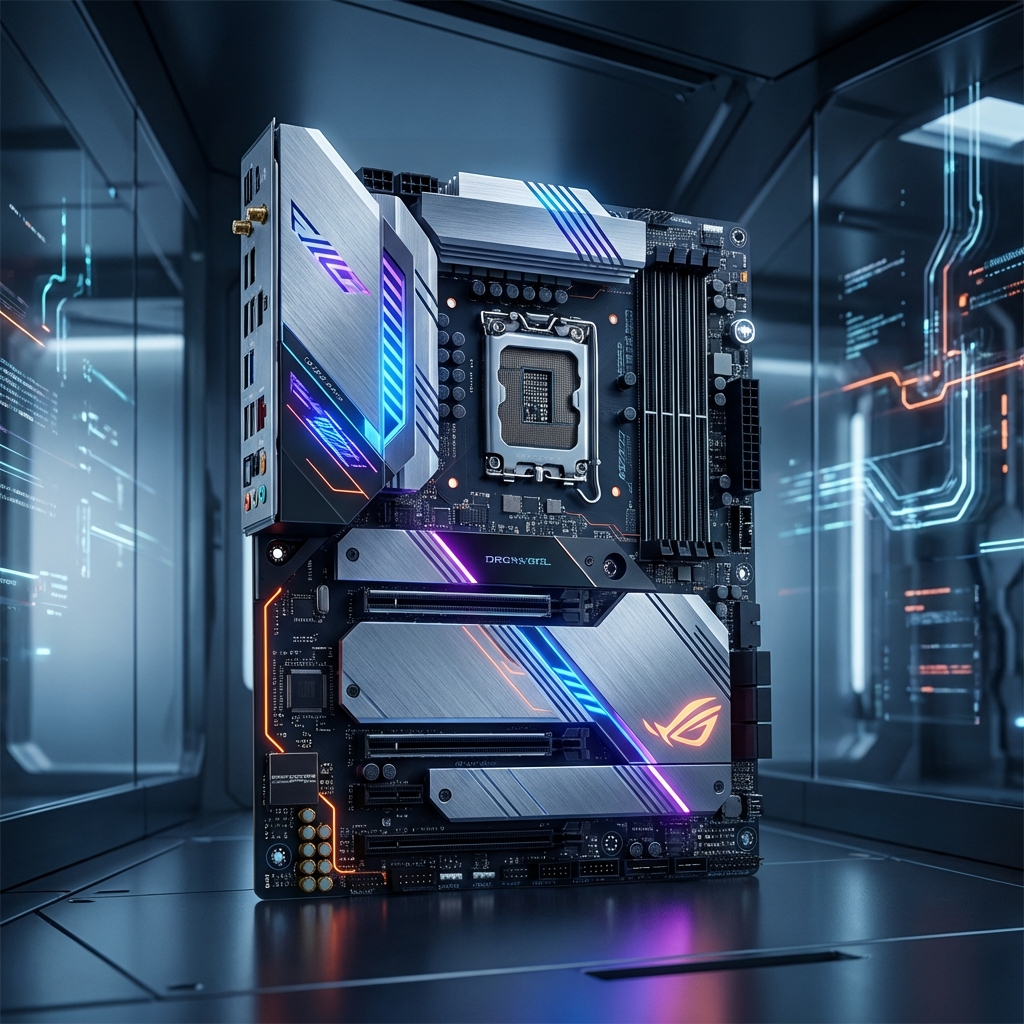
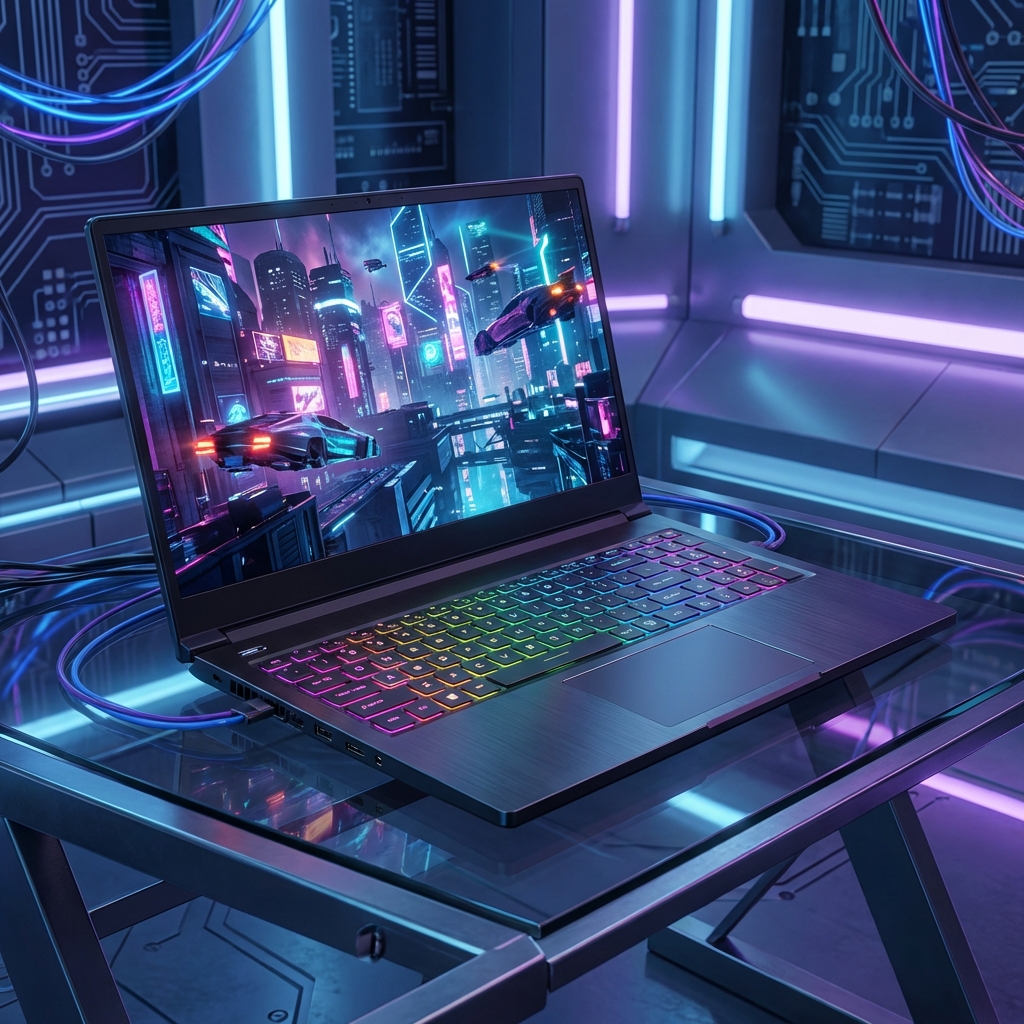
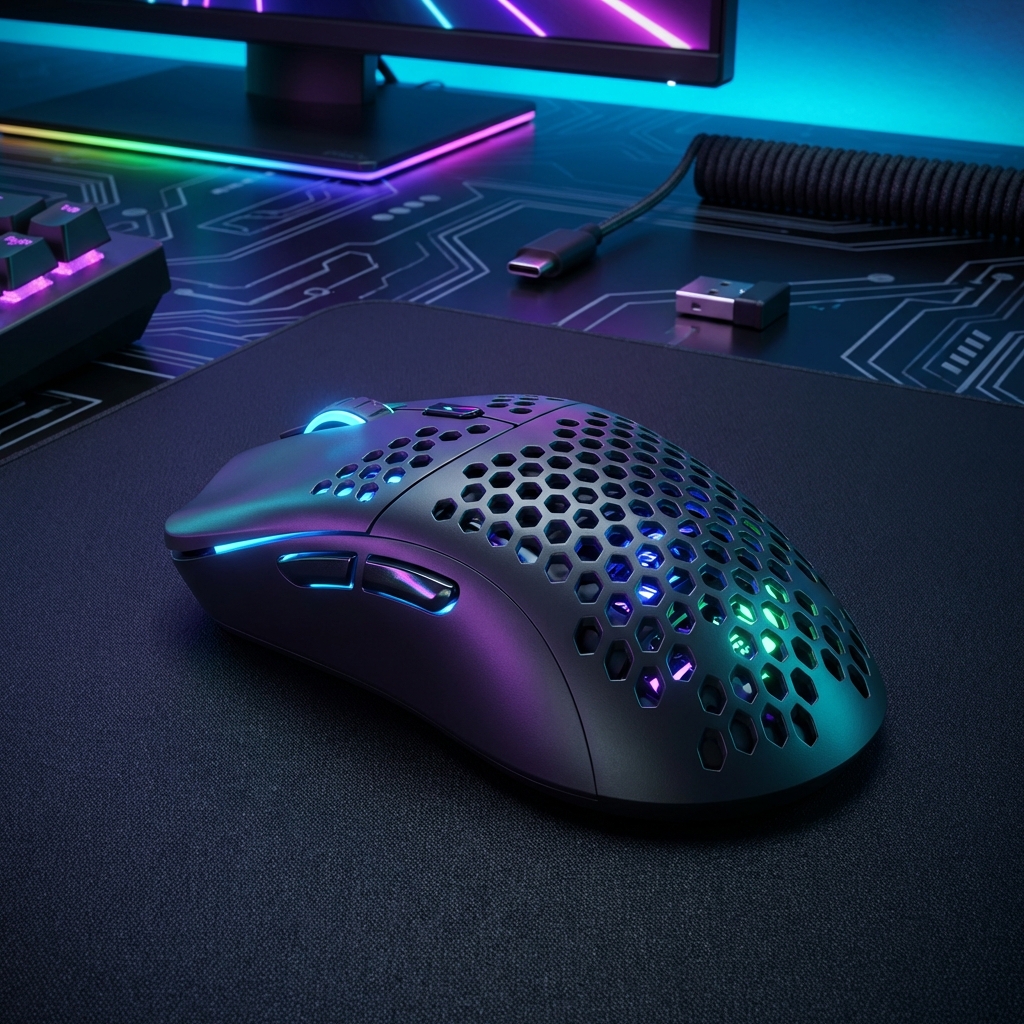
Top Gaming Gear Picks
As an Amazon Associate, we earn from qualifying purchases. These recommendations help support our free tool.
Popular CPU + GPU Combinations
Use the result as decision support, not a guarantee. Drivers, game patches, cooling, background tasks, and individual game engines can shift real-world FPS. Check the methodology and compare the result with an overlay before buying hardware.
Latest Insights
Expert guides on PC building and detailed performance analysis.