
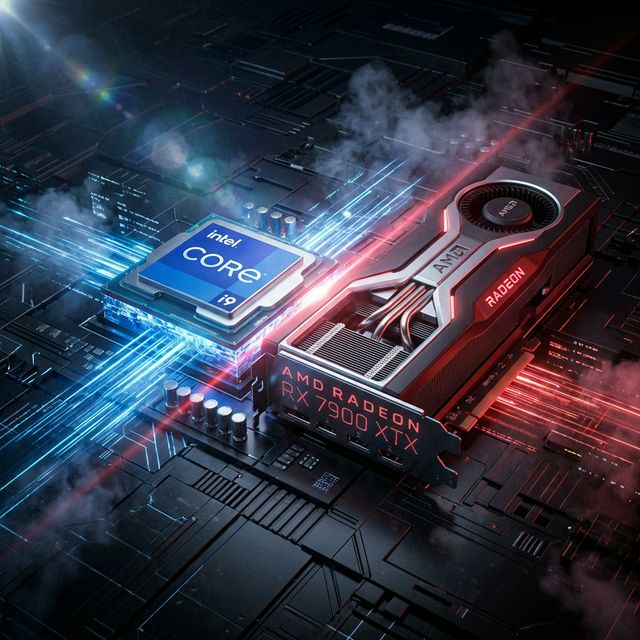

Core i5-13600K vs RX 7900 XTX Build Analysis
Building a PC in 2026 brings up one critical question: does the Core i5-13600K really keep up with the RX 7900 XTX? We've analyzed thousands of hardware combinations, and this specific duo offers a fascinating case study in performance balance. In this deep dive, we're not just looking at bottleneck percentages. We're breaking down architecture, gaming scenarios, and future-proofing to give you a definitive answer on whether this build deserves your hard-earned money.
Processor Deep Dive
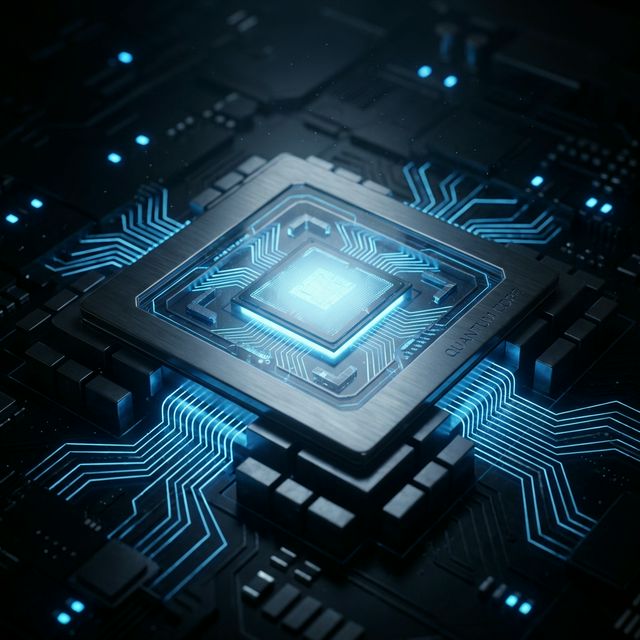
At the heart of this configuration lies the Core i5-13600K, a chip that represents 13th Gen architecture. With 14 cores and 20 threads, this processor isn't just a number cruncher; it's the traffic controller for your entire system.
For gamers, the base clock of 3.5 GHz boosting up to 5.1 GHz is significant. Modern game engines, especially in open-world titles like Cyberpunk 2077 or Starfield, rely heavily on single-core speed for physics calculations and NPC AI. The Core i5-13600K delivers a single-thread performance score of 910, which is a critical metric for minimizing stutter and ensuring 1% low FPS stays smooth.
However, it's not all about gaming. The multi-thread score of 850 indicates that this CPU is a beast for productivity. If you're planning to stream or render video while gaming, those extra threads provide the headroom needed to avoid frame drops.
Graphics Powerhouse
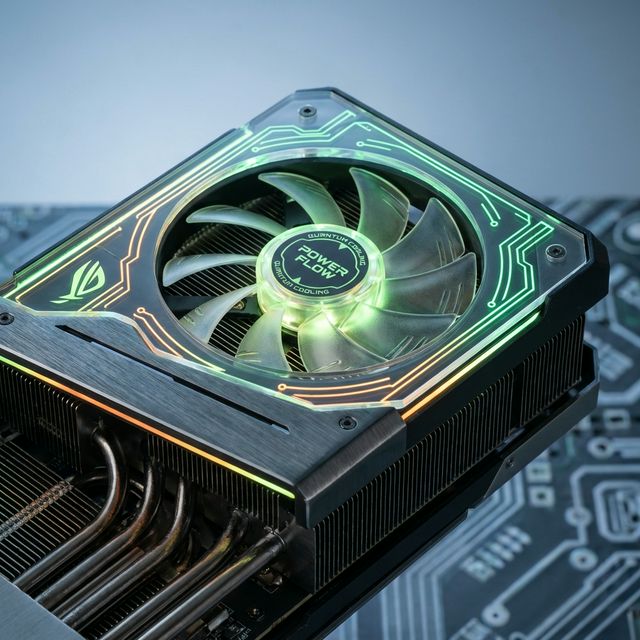
Handling the visual heavy lifting is the RX 7900 XTX. Built on the RDNA 3 architecture, this card brings 24GB GDDR6 of VRAM to the table. In an era where textures are becoming increasingly detailed, VRAM is king. With 960GB/s of bandwidth, the RX 7900 XTX ensures that high-resolution assets are loaded instantly, reducing pop-in and stuttering.
Ray tracing performance is another key area. With a score of 750, this GPU excels at delivering realistic lighting and reflections without bringing standard framerates to a crawl.
Speaking of upscaling, support for FSR 3.0 is a game-changer. It allows the card to render at a lower resolution and upscale with AI, granting you free performance. For a card like the RX 7900 XTX, this means longevity. Titles releasing three years from now will still be playable thanks to this AI-driven headroom.
System Synergy Verdict
Our analysis reveals a 3% bottleneck, which effectively means perfect synergy.
This is the "Golden Zone" of PC building. The Core i5-13600K is fast enough to prepare frames exactly as quickly as the RX 7900 XTX can render them. You aren't wasting money on a GPU that's waiting around, nor are you overspending on a CPU that's bored. In 99% of titles, utilization will be consistently high on both ends, giving you the best bang for your buck.
It's important to remember that "bottleneck" isn't a dirty word. Every computer has a bottleneck somewhere; otherwise, it would have infinite performance. The goal is to manage where that bottleneck lives.
Power & Memory Requirements
When building a system with the Core i5-13600K and RX 7900 XTX, accurate power delivery is critical.
Memory (RAM): For this tier of performance, 16GB of RAM matches well. For optimal 1% low FPS, we recommend a dual-channel configuration, ideally clocked at 6000MHz or higher for DDR5 platforms.
Real-World Gaming Performance
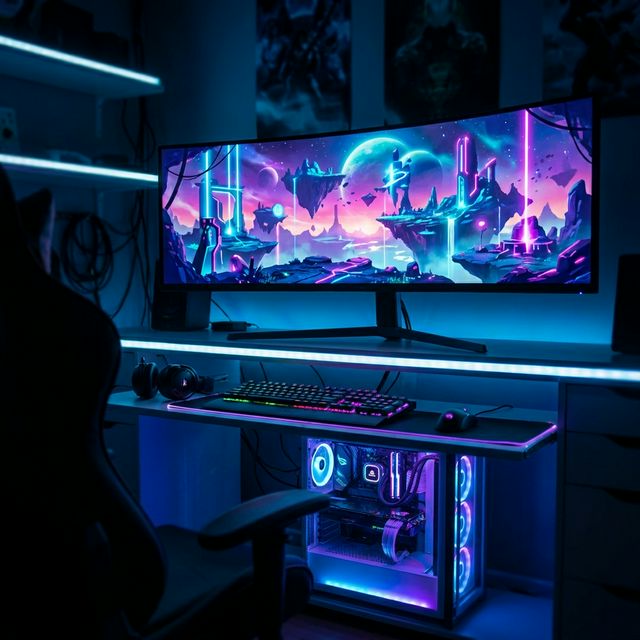
1080p Competitive
The Core i5-13600K shines here, feeding the GPU effortlessly.
1440p Sweet Spot
Expect buttery smooth frame rates in AAA titles.
4K Ultra HD
The RX 7900 XTX delivers a stunning 4K experience.
Methodology
Our bottleneck calculation isn't a simple "bigger number is better" guess. We use a proprietary algorithm that models the instruction throughput of the Core i5-13600K against the render throughput of the RX 7900 XTX.
- Resolution Scaling: We adjusted the calculation based on your selected resolution. At 4K, we reduced the CPU penalty because the GPU becomes the primary limit.
- Architecture Damping: We factored in the specific IPC (Instructions Per Clock) improvements of the 13th Gen architecture.
- Game Engine Simulation: Our model simulates a "general" open-world game engine workload, which is the most demanding scenario for CPU-GPU communication.
This results in a "Bottleneck Percentage" that reflects real-world frame pacing issues rather than just average fps numbers.
Future Proofing
Investing in PC hardware is always a battle against obsolescence. The RDNA 3 architecture of the GPU suggests it has modern feature sets like mesh shaders and AV1 encoding, which are becoming standard.
Meanwhile, the Core i5-13600K on the LGA 1700 platform offers a specific upgrade path. Since this is a modern platform, you likely have room to slot in a more powerful CPU down the line without changing your motherboard.
Frequently Asked Questions
01. Is the Core i5-13600K good for the RX 7900 XTX?
Yes, this is an excellent pairing. With a bottleneck of only 3%, these components are perfectly balanced.
02. Will the Core i5-13600K bottleneck the RX 7900 XTX?
No, the Core i5-13600K is powerful enough to keep up with the RX 7900 XTX without significant issues.
03. What power supply do I need?
The combined TDP is 480W. We recommend a minimum of a 650W PSU.
04. Is this build good for 1440p gaming?
Absolutely. The RX 7900 XTX is well-suited for 1440p gaming.
05. Can I run 4K games with the RX 7900 XTX?
Yes, this card supports 4K gaming, though you might need to use DLSS/upscaling for the smoothest framerates.
06. Does the RX 7900 XTX support Ray Tracing?
Yes, it has dedicated hardware for Ray Tracing (Score: 750).
07. Do I need DDR5 RAM for the Core i5-13600K?
It is recommended. The Core i5-13600K supports DDR5, which provides a bandwidth boost.
08. Is the Core i5-13600K good for streaming?
Yes, with 14 cores, the Core i5-13600K can handle gaming and streaming simultaneously.
09. What is the bottleneck percentage?
Our calculation shows a 3% bottleneck.
010. How many FPS will I get?
In standard 1080p gaming, you can expect an average of roughly 101 FPS.
Final Thoughts: Is it worth it?
Pairing the Core i5-13600K with the RX 7900 XTX is a decision that defines your PC's character.
This is a highly recommended configuration. It offers balance, efficiency, and excellent performance per dollar.
In the fast-moving world of PC hardware, finding a duo that works this well together is satisfying. Whether you're chasing high frames in competitive shooters or getting lost in ray-traced worlds, this system is built to deliver.