
Quick answer
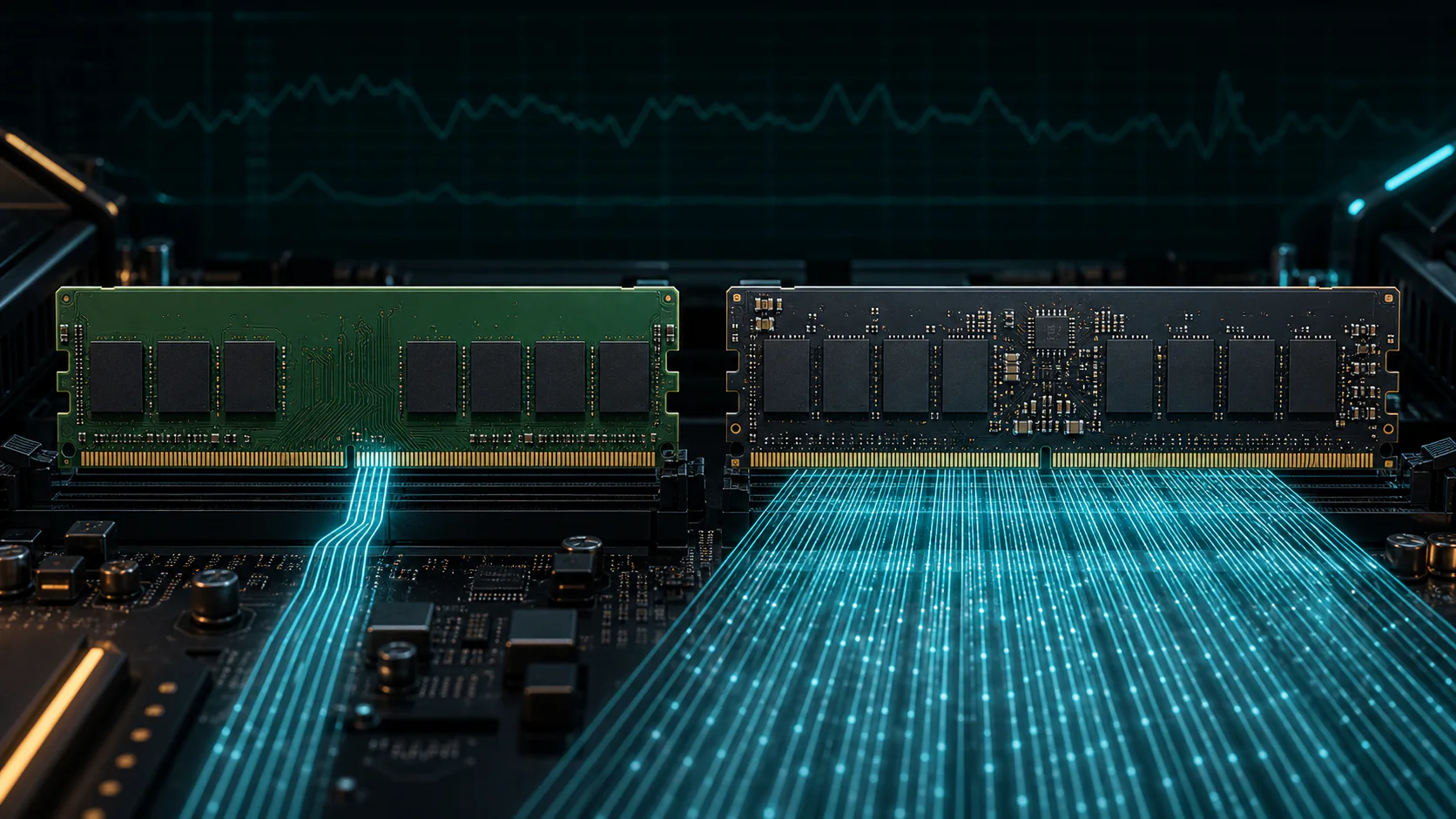
DDR5-6000 can transfer 48 GB/s through one 64-bit memory channel or 96 GB/s across two channels in theory. A read/write benchmark will usually report a different number because the CPU memory controller, timings, channel population, firmware, background activity, and test method all affect measured throughput. There is no single universal “real-world DDR5-6000 speed.”
This distinction matters: the advertised 6000 MT/s is a transfer rate, while GB/s describes how much data the complete memory path can move.
DDR5 speed specifications at a glance
| Memory data rate | One 64-bit channel | Two 64-bit channels | Typical use |
|---|---|---|---|
| DDR4-3200 | 25.6 GB/s | 51.2 GB/s | Mainstream DDR4 systems |
| DDR4-3600 | 28.8 GB/s | 57.6 GB/s | Tuned DDR4 gaming systems |
| DDR5-4800 | 38.4 GB/s | 76.8 GB/s | Base DDR5 generation |
| DDR5-5600 | 44.8 GB/s | 89.6 GB/s | Common supported DDR5 rate |
| DDR5-6000 | 48.0 GB/s | 96.0 GB/s | Popular performance tier |
| DDR5-6400 | 51.2 GB/s | 102.4 GB/s | Higher-frequency kits |
| DDR5-7200 | 57.6 GB/s | 115.2 GB/s | Enthusiast memory tuning |
| DDR5-8400 | 67.2 GB/s | 134.4 GB/s | Platform-dependent overclocking |
These are interface ceilings, not guaranteed benchmark results. They assume the memory is actually running at the stated data rate and that the platform exposes the listed number of 64-bit channels.
Theoretical RAM Bandwidth by Channel Count
How to calculate DDR5 theoretical bandwidth
Use this formula for each 64-bit memory channel:
Bandwidth (GB/s) = data rate (MT/s) x 8 bytes / 1000
For DDR5-6000:
- One 64-bit channel:
6000 x 8 / 1000 = 48 GB/s - Two 64-bit channels:
6000 x 8 x 2 / 1000 = 96 GB/s
DDR5 DIMMs divide their 64-bit data path into two independent 32-bit subchannels. That design improves access efficiency, but it does not turn one ordinary DDR5 DIMM into 128 data bits. Do not multiply by two once for subchannels and then again for dual-channel operation.
MT/s is not the same as MHz
DDR memory transfers data on both clock edges. A DDR5-6000 kit is marketed at 6000 MT/s, while its physical memory clock is approximately 3000 MHz. Calling it “6000 MHz RAM” is common marketing shorthand, but MT/s is the accurate unit for the effective data rate.
For more examples, see RAM speed: MT/s vs MHz and GB/s explained.
Theoretical maximum vs real-world read and write speed
The theoretical number answers: How much data could the memory bus transfer if every transfer slot carried useful data?
A benchmark answers a different question: How quickly did this CPU, memory controller, motherboard, firmware, memory kit, and software complete this particular test?
Measured read, write, and copy results can differ from each other because they use different instruction paths and buffering behavior. Results can also vary between AMD and Intel platforms even when the installed memory kit has the same advertised MT/s.
To evaluate a benchmark, calculate efficiency instead of comparing it with a made-up universal target:
Measured efficiency = measured throughput / theoretical platform bandwidth x 100
Example: if a two-channel DDR5-6000 system measures 72 GB/s in a repeatable test, then 72 / 96 x 100 = 75%. That is a hypothetical calculation example, not a promised DDR5-6000 result.
Key factors that change real-world DDR5 performance
1. Number of active memory channels
Channel count changes the theoretical ceiling directly. A system operating through one 64-bit channel has half the aggregate theoretical bandwidth of a comparable two-channel configuration. Installing DIMMs in the motherboard-recommended slots is therefore essential.
Read single-channel vs dual-channel RAM for slot placement, detection, and bandwidth examples.
2. Actual configured data rate
A DDR5-6000 kit may boot at a lower default rate until XMP or EXPO is enabled. Verify the effective MT/s in firmware and a hardware information tool before benchmarking. The label on the box does not prove the active configuration.
3. Primary and secondary timings
Frequency controls the transfer ceiling; timings control how long the memory waits for operations. Two DDR5-6000 kits can produce different latency and application results if their timings differ.
Use our CAS latency and first-word latency guide to compare CL values correctly across different data rates.
4. CPU memory controller and operating mode
The integrated memory controller determines supported rates, channel behavior, gear ratios, and stability. A memory kit cannot force a CPU or motherboard to sustain a configuration that the complete platform cannot train reliably.
5. DIMM count, rank layout, and capacity
Two DIMMs and four DIMMs place different electrical loads on the memory controller. Rank interleaving may improve some workloads, while additional DIMMs can reduce the maximum stable data rate. Compare equal capacities and similar rank layouts when testing DDR4 against DDR5.
6. Workload access pattern
Sequential bandwidth tests, game engines, compression, code compilation, and content creation do not access memory in the same way. A large synthetic bandwidth increase does not translate into the same percentage increase in FPS or application speed.
7. Firmware, background load, and thermal stability
BIOS memory training, operating-system activity, power limits, and unstable overclocks can change results. An error-free, repeatable configuration is more valuable than one unusually high benchmark run.
How to measure DDR5 read/write speed correctly
Use this reproducible process:
- Record the CPU, motherboard, BIOS version, DIMM model, capacity, rank layout, and timings.
- Confirm the active memory rate and channel mode.
- Close background software and allow the system to reach a stable idle state.
- Run the same memory benchmark at least five times.
- Report the median read, write, copy, and latency results rather than the single highest run.
- Change only one variable when comparing kits.
- Test at least one real workload in addition to the synthetic benchmark.
When comparing DDR4 and DDR5, using “the same CPU” is not always possible because platform and motherboard support differ. Document those platform differences instead of implying that only the DIMMs changed.
DDR5 vs DDR4: what the bandwidth difference means
DDR5 starts at a higher transfer rate and provides substantially more theoretical bandwidth than common DDR4 configurations. However, DDR4 can retain competitive first-word latency with tight timings, and application gains depend on whether memory is actually limiting the workload.
| Comparison | DDR4-3600 | DDR5-6000 |
|---|---|---|
| Data rate | 3600 MT/s | 6000 MT/s |
| One-channel theoretical bandwidth | 28.8 GB/s | 48.0 GB/s |
| Two-channel theoretical bandwidth | 57.6 GB/s | 96.0 GB/s |
| Example timing | CL18 | CL30 |
| Calculated first-word latency | 10 ns | 10 ns |
This example shows why frequency and CAS latency must be interpreted together. DDR5-6000 CL30 can have the same calculated first-word latency as DDR4-3600 CL18 while offering a much higher transfer ceiling.
Does higher DDR5 bandwidth improve gaming FPS?
Sometimes, but there is no defensible universal percentage. Memory performance matters most when the CPU is preparing frames quickly enough for memory latency or bandwidth to become limiting. GPU-bound settings can hide the difference.
For gaming comparisons, measure:
- Average FPS
- 1% low FPS
- Frame-time consistency
- CPU-limited and GPU-limited settings separately
- The same game version, scene, and background workload
The article five silent CPU bottlenecks explains how disabled memory profiles and channel configuration can affect an otherwise balanced build.
Which DDR generation should you choose?
- Keep DDR4 when you already own a stable DDR4 platform that meets your performance needs.
- Choose DDR5 for a new platform that requires it or when your workload benefits from greater memory bandwidth.
- Prioritize capacity first if the current system is paging to storage or running out of memory.
- Prioritize stability over headline MT/s when additional DIMMs or a weaker memory controller make high rates unreliable.
DDR4 and DDR5 are physically and electrically incompatible. The motherboard determines which generation can be installed.
RAM performance topic hub
Use these guides together instead of judging memory from one specification:
- RAM speed: MT/s vs MHz and bandwidth calculation
- CAS latency vs RAM speed: calculate first-word latency
- Single-channel vs dual-channel RAM performance
- DDR5 overclocking records vs everyday performance
- Five hidden CPU and memory bottlenecks
Frequently asked questions
What is the theoretical maximum read/write speed of DDR5-6000?
DDR5-6000 provides 48 GB/s per 64-bit channel. A two-channel desktop platform has a 96 GB/s aggregate theoretical ceiling. Read and write benchmarks may report different results because they test the complete platform, not only the DIMM interface.
Why is my DDR5 read speed lower than 96 GB/s?
The 96 GB/s figure assumes two active 64-bit channels at 6000 MT/s and describes the interface ceiling. Protocol overhead, timings, the CPU memory controller, channel population, firmware, and the benchmark method reduce or otherwise change the measured result.
Is DDR5-4800 bandwidth 38.4 GB/s or 76.8 GB/s?
Both can be correct if the channel count is stated. DDR5-4800 provides 38.4 GB/s through one 64-bit channel and 76.8 GB/s across two such channels.
Are DDR5 read and write speeds supposed to be equal?
They share the same theoretical bus ceiling, but measured read and write results do not have to match. CPU architecture, write handling, buffering, instructions, and benchmark implementation can produce different numbers.
How do I convert DDR5 MT/s to GB/s?
Multiply MT/s by eight bytes for each active 64-bit channel, then divide by 1000. Multiply again by the number of 64-bit memory channels being counted.
Does DDR5 have four channels because each DIMM has two subchannels?
DDR5 divides each DIMM's 64-bit data path into two 32-bit subchannels. Consumer platforms may describe this differently in software, but the aggregate width of one standard non-ECC DIMM remains 64 data bits for bandwidth calculation.
Sources and methodology
The theoretical tables are calculated from the advertised transfer rate and 64-bit channel width. Architecture explanations are cross-checked against the JEDEC DDR5 SDRAM standard, Micron DDR5 product documentation, and CPU memory specifications published by platform vendors. Real-world examples are deliberately labeled as examples because measured throughput varies by system and test method.
Tags

Our editorial team checks PC hardware calculations against published standards and clearly separates interface limits from measured system performance.
Editorial methodology