
Quick answer
MHz measures clock cycles per second; MT/s measures data transfers per second. DDR memory transfers data on both edges of its clock, so DDR5-6000 runs at an approximately 3000 MHz memory clock while delivering 6000 MT/s. For one 64-bit channel, convert MT/s to theoretical bandwidth with MT/s x 8 / 1000.
For DDR5-6000, that calculation is 48 GB/s per 64-bit channel or 96 GB/s across two populated 64-bit channels. Those figures are interface ceilings, not guaranteed benchmark scores.
MT/s and MHz are not interchangeable
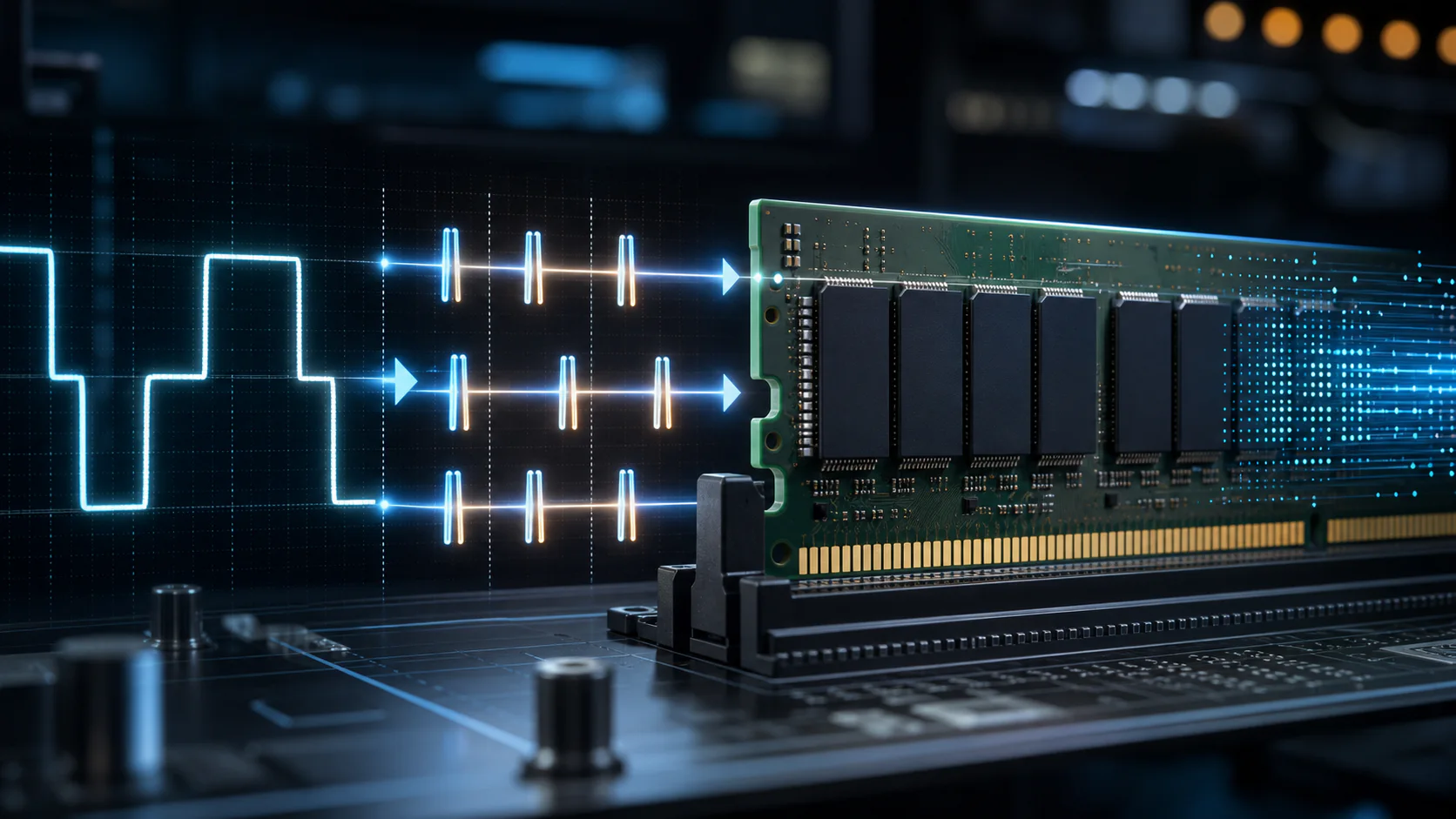
DDR means double data rate. The memory transfers data on the rising and falling edge of each clock cycle. The effective transfer rate is therefore twice the physical memory clock.
| Marketed memory rate | Approximate memory clock | Effective transfer rate |
|---|---|---|
| DDR4-3200 | 1600 MHz | 3200 MT/s |
| DDR4-3600 | 1800 MHz | 3600 MT/s |
| DDR5-4800 | 2400 MHz | 4800 MT/s |
| DDR5-6000 | 3000 MHz | 6000 MT/s |
| DDR5-6400 | 3200 MHz | 6400 MT/s |
| DDR5-7200 | 3600 MHz | 7200 MT/s |
Retail listings often write "6000 MHz" because the larger number is familiar to shoppers. For calculations and technical comparisons, 6000 MT/s is the accurate expression.
The displayed clock can also vary by tool. One utility may show approximately 3000 MHz while another reports 6000 MT/s. Those readings can describe the same DDR5-6000 configuration rather than a fault.
Convert RAM MT/s to GB/s
A standard desktop memory channel has a 64-bit data width. Sixty-four bits equals eight bytes, which gives this formula:
Per-channel bandwidth (GB/s) = data rate (MT/s) x 8 bytes / 1000
For DDR5-6000:
- One 64-bit channel:
6000 x 8 / 1000 = 48 GB/s - Two 64-bit channels:
6000 x 8 x 2 / 1000 = 96 GB/s
| Data rate | One 64-bit channel | Two 64-bit channels |
|---|---|---|
| 3200 MT/s | 25.6 GB/s | 51.2 GB/s |
| 3600 MT/s | 28.8 GB/s | 57.6 GB/s |
| 4800 MT/s | 38.4 GB/s | 76.8 GB/s |
| 5600 MT/s | 44.8 GB/s | 89.6 GB/s |
| 6000 MT/s | 48.0 GB/s | 96.0 GB/s |
| 6400 MT/s | 51.2 GB/s | 102.4 GB/s |
| 7200 MT/s | 57.6 GB/s | 115.2 GB/s |
The table uses decimal gigabytes, where one GB is one billion bytes. A tool reporting GiB/s divides by 1,073,741,824 instead, so the displayed number will be lower even when the underlying byte rate is identical.
What DDR5-6000 and PC5-48000 mean
Memory labels can describe the same module in two ways:
- DDR5-6000 states the effective data rate: 6000 MT/s.
- PC5-48000 states the theoretical per-channel byte rate: 48,000 MB/s.
The rating follows directly from 6000 x 8 = 48,000 MB/s. PC5-44800 corresponds to DDR5-5600, while PC4-25600 corresponds to DDR4-3200.
This product-class number does not promise a 48 GB/s application result. It identifies the module's theoretical transfer class before platform and workload limits are considered.
How to verify your active RAM speed
Do not assume the number printed on the kit is the rate currently configured by the computer. A DDR5-6000 kit can start at a lower firmware default until its memory profile is enabled.
Use this verification sequence:
- Check the installed module model and rated profile.
- Open the motherboard firmware and inspect the configured memory rate.
- Enable the intended XMP or EXPO profile only if the CPU and motherboard support it.
- Boot the operating system and read the memory clock or transfer rate with a current hardware information tool.
- If the tool reports clock speed, multiply it by two for the DDR transfer rate.
- Confirm capacity, channel mode, and timings before running a benchmark.
- Run a memory stability test after changing frequency or timings.
If a DDR5-6000 kit shows close to 2400 MHz, it is operating near DDR5-4800 rather than its 6000 MT/s profile. If it shows close to 3000 MHz, the effective rate is approximately 6000 MT/s.
Why advertised bandwidth and benchmark results differ
The formula calculates the memory interface ceiling. A benchmark measures the complete path through the CPU memory controller, motherboard, firmware, memory modules, and software test pattern.
Before calling a result incorrect, confirm:
- The intended data rate is active
- The expected number of memory channels is populated
- DIMMs are in the motherboard-recommended slots
- CPU cache is not being mistaken for DRAM throughput
- Power-saving and background tasks are controlled
- Results are repeatable across several runs
- The benchmark reports the same unit used in the comparison
Read DDR5 theoretical vs real-world read/write bandwidth for a complete interpretation method.
Common calculation mistakes
Multiplying DDR5 subchannels twice
A standard DDR5 DIMM divides its 64-bit data path into two independent 32-bit subchannels. Their combined data width remains 64 bits. The subchannels improve transaction efficiency; they do not make one ordinary DIMM a 128-bit data channel.
Assuming two DIMMs always means two channels
DIMM count and channel count are different. Two modules placed on slots connected to the same channel do not provide the same configuration as modules installed across two channels. Follow the motherboard manual rather than relying on slot color alone.
Using 16 bytes for one desktop channel
One 64-bit data channel is eight bytes wide. Use 16 bytes in the formula only when intentionally adding two complete 64-bit channels.
Treating MT/s as application performance
Higher MT/s raises the possible transfer rate. It does not guarantee an equal percentage improvement in gaming, rendering, compression, or general responsiveness. Latency, capacity, channel mode, and the workload still determine the outcome.
Which number should you compare when buying RAM?
Use MT/s to compare transfer rate, first-word latency in nanoseconds to compare the CAS portion of latency, and capacity to confirm the workload fits in memory.
| Buying question | Specification to check |
|---|---|
| How much data can the interface move? | MT/s and channel count |
| How long is the CAS portion of an access? | CL plus MT/s, converted to ns |
| Will my applications fit in memory? | Usable capacity |
| Will the rated profile run on my PC? | CPU and motherboard support |
| Is the configuration installed correctly? | Slot placement and detected channel mode |
Use CAS latency vs RAM speed to compare timing values and single-channel vs dual-channel RAM to verify the channel multiplier.
Frequently asked questions
Is DDR5-6000 actually 6000 MHz?
No. Its physical memory clock is approximately 3000 MHz, while its effective data rate is 6000 MT/s because DDR transfers data on both clock edges.
How many GB/s is DDR5-6000?
DDR5-6000 provides 48 GB/s per 64-bit channel or 96 GB/s across two populated 64-bit channels in theory. Measured application and benchmark throughput can differ.
Why does software show half my advertised RAM speed?
Some software reports the physical clock instead of the effective DDR transfer rate. A reading near 3000 MHz is expected for DDR5-6000, and a reading near 1600 MHz is expected for DDR4-3200.
What does PC5-48000 mean?
PC5-48000 is the bandwidth-class label commonly associated with DDR5-6000. It represents 48,000 MB/s of theoretical bandwidth for one 64-bit channel.
Does higher MT/s always mean lower latency?
No. Latency depends on both transfer rate and timing values. Compare calculated first-word latency in nanoseconds rather than comparing CL numbers alone.
Should I enable XMP or EXPO?
Enable a supported profile when you want the kit's rated settings, but confirm CPU and motherboard compatibility and test stability afterward. A profile is an overclocked configuration on many platforms, not a universal guarantee.
Sources and calculation method
Bandwidth values on this page are independently calculated from the effective transfer rate and a 64-bit data-channel width. Architecture terminology is checked against the JEDEC DDR5 SDRAM standard, Micron DDR5 technical information, Intel XMP guidance, and AMD EXPO guidance. Product profile support and slot placement must still be confirmed in the CPU and motherboard documentation for the specific system.
Tags

Our editorial team checks PC hardware calculations against published standards and clearly separates interface limits from measured system performance.
Editorial methodology