
Quick answer
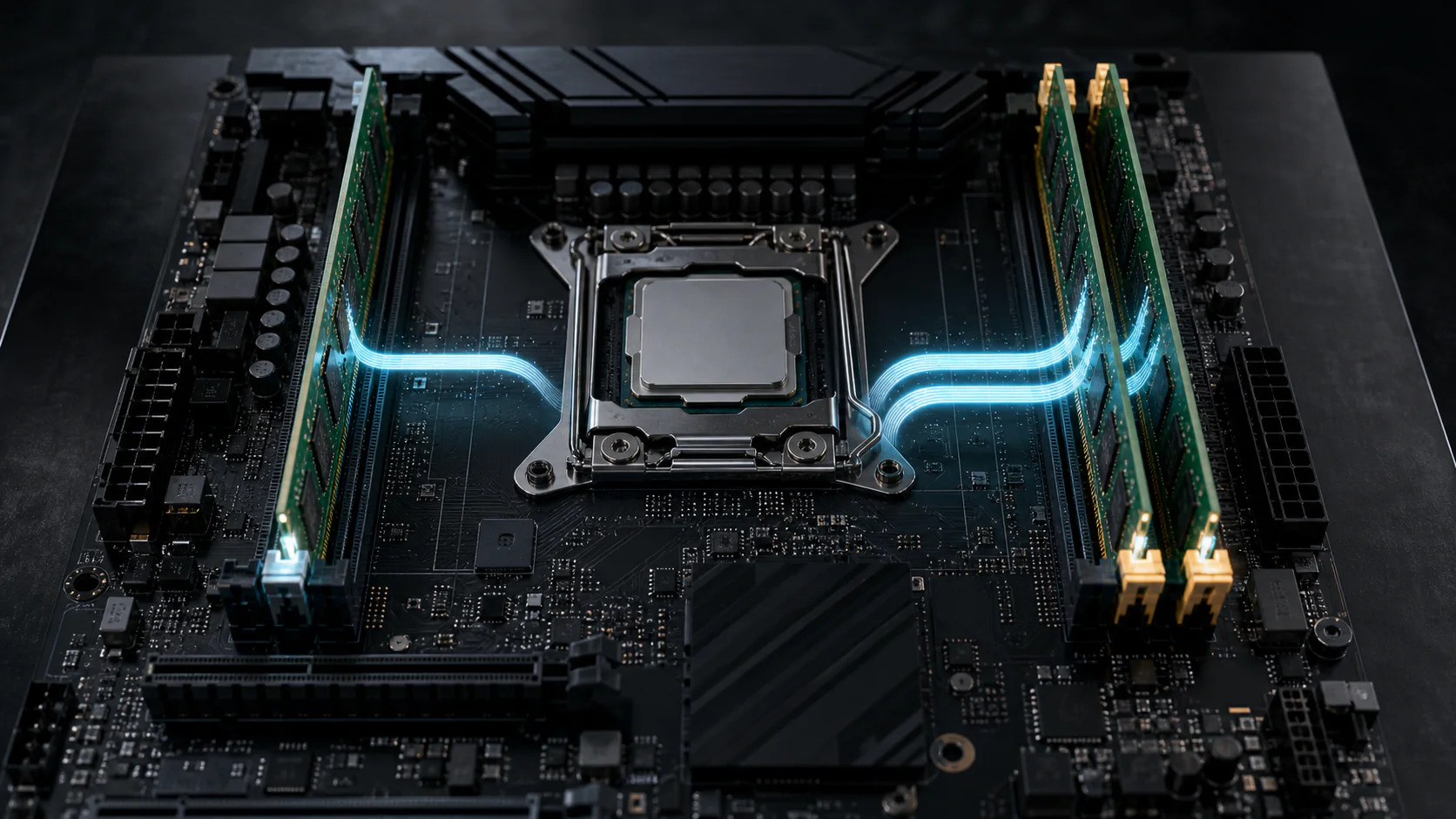
Two active 64-bit memory channels double the theoretical aggregate bandwidth available to the CPU compared with one channel at the same MT/s. DDR5-6000 provides 48 GB/s through one 64-bit channel and 96 GB/s through two. Real application gains are smaller and workload-dependent because not every task saturates memory bandwidth.
For a typical four-slot desktop motherboard, a matched two-DIMM kit is commonly installed in A2 and B2, but the board manual is the final authority. Incorrect slot placement can leave a two-module system operating through only one channel.
Single-channel and dual-channel bandwidth
The formula for one standard 64-bit channel is MT/s x 8 / 1000. A second active 64-bit channel doubles the aggregate interface ceiling.
| Memory rate | One active 64-bit channel | Two active 64-bit channels |
|---|---|---|
| DDR4-3200 | 25.6 GB/s | 51.2 GB/s |
| DDR4-3600 | 28.8 GB/s | 57.6 GB/s |
| DDR5-4800 | 38.4 GB/s | 76.8 GB/s |
| DDR5-6000 | 48.0 GB/s | 96.0 GB/s |
| DDR5-6400 | 51.2 GB/s | 102.4 GB/s |
| DDR5-7200 | 57.6 GB/s | 115.2 GB/s |
These figures are theoretical limits. A software result measures the complete CPU, memory-controller, firmware, DIMM, and benchmark path. Read DDR5 theoretical vs real-world bandwidth before comparing a benchmark directly with the table.
DIMM count is not the same as channel count
A DIMM is a physical memory module. A channel is an electrical data path between the CPU memory controller and memory slots. Installing two DIMMs can populate two channels, but only when the modules are placed on slots connected to different channels.
On a common four-slot board:
- A1 and A2 belong to memory channel A.
- B1 and B2 belong to memory channel B.
- A2 and B2 are commonly recommended for a two-module kit.
- A1 and B1 may be used in other configurations, depending on the board layout.
Slot order varies, and workstation platforms can expose more than two channels. Always follow the memory-installation diagram in the exact motherboard manual.
Does one DDR5 DIMM already provide dual channel?
A standard DDR5 DIMM divides its 64-bit data path into two independent 32-bit subchannels. This improves transaction efficiency by allowing smaller accesses to be handled more independently.
The two internal subchannels do not make one ordinary DDR5 DIMM equivalent to populating two complete 64-bit platform channels. For bandwidth calculation, one standard non-ECC DIMM still contributes a combined 64-bit data width to the populated platform channel.
Monitoring tools sometimes label DDR5 topology differently from DDR4 because they expose these subchannels. Use the CPU and motherboard documentation plus a current hardware information tool rather than relying on one ambiguous "channel" label.
How channel mode affects real workloads
Dual channel matters most when a workload requests more memory throughput than one channel can deliver.
Integrated graphics
Integrated graphics uses system memory for graphics data instead of dedicated high-bandwidth VRAM. That makes available memory bandwidth especially important. A single-channel configuration can restrict texture, geometry, and frame-buffer traffic shared by the CPU and graphics cores.
For an APU or laptop using integrated graphics, prefer a properly populated multi-channel configuration unless the platform uses a different onboard-memory design.
Discrete-GPU gaming
A discrete graphics card has its own VRAM, so the effect is less predictable. Memory channel mode can still influence CPU frame preparation, asset streaming, and frame-time consistency.
- CPU-bound games are more likely to respond.
- 1% lows may change differently from average FPS.
- GPU-bound quality settings can hide the difference.
- Capacity, rank layout, timings, and CPU architecture affect the result.
Dual channel doubles theoretical channel bandwidth, not gaming FPS. Any fixed universal FPS percentage would be misleading.
Productivity and creation workloads
Compression, code compilation, scientific workloads, media processing, and virtual machines have different memory-access patterns. Large sustained transfers can benefit from bandwidth, while dependent operations may be more sensitive to latency.
Capacity remains the first requirement. A 32 GB single-DIMM configuration can be more usable than a 16 GB two-DIMM configuration when the smaller capacity forces the system to page to storage, even though the 32 GB setup has less channel bandwidth.
How to install two RAM modules correctly
Use this sequence for a mainstream two-channel desktop:
- Shut down the system and disconnect power.
- Read the motherboard memory-installation section.
- Identify the recommended two-DIMM pair, commonly A2 and B2.
- Install both modules fully until the retaining clips lock.
- Boot and confirm the expected total capacity.
- Check the active channel mode and memory rate in a current hardware information utility.
- Enable a supported memory profile only after the system boots correctly at defaults.
- Run a memory stability test after changing the profile, frequency, voltage, or timings.
A failed boot after moving modules can indicate incomplete seating, unsupported profile settings, a marginal memory controller, or a board-specific slot issue. Return to stable defaults before diagnosing performance.
How to verify dual-channel operation
Use more than one signal:
- Both modules appear at their correct capacity.
- The modules occupy the board-recommended paired slots.
- Firmware detects both channels or both modules correctly.
- A hardware information utility reports the expected channel topology.
- Memory bandwidth is consistent with the corrected configuration.
- The system passes an extended memory stability test.
| Symptom | Likely checks |
|---|---|
| Two modules detected but low bandwidth | Slot placement, active rate, channel report, benchmark method |
| Only one module detected | Reseat modules, test one at a time, inspect slot and CPU socket |
| Rated profile resets after reboot | Memory training, CPU support, firmware, DIMM count, stability |
| Correct channel mode but poor application gain | Workload may not be bandwidth-limited |
| Errors only with two modules | Profile, voltage guidance, controller limit, module compatibility |
Do not use CPU cache bandwidth as evidence of DRAM channel performance. Choose a benchmark mode that tests main memory and repeat it under consistent conditions.
Mixed capacity and flex mode
Some memory controllers can operate matched portions of unequal modules across two channels while the remaining capacity operates through one channel. This behavior is often called flex mode, but implementation and reporting vary by platform.
For example, an 8 GB module paired with a 16 GB module may map part of the total capacity across both channels and leave the unmatched region on one channel. It can work, but a matched kit simplifies compatibility, performance interpretation, and troubleshooting.
Mixing separate kits with the same product name is not a guarantee either. Memory chips and firmware profiles can change between production batches.
Two DIMMs or four DIMMs?
Four modules do not create four memory channels on a normal two-channel desktop platform. They place two DIMMs on each existing channel.
Additional ranks can improve some interleaving behavior, but four DIMMs also increase electrical load on the memory controller and can reduce the highest stable data rate. For a new two-channel build, a matched two-DIMM kit at the required capacity is usually the simpler configuration.
Use four DIMMs when capacity requirements justify them and the CPU, motherboard, and memory support the target settings. Stability is more valuable than preserving a higher advertised MT/s that the complete system cannot train reliably.
How to test the performance difference fairly
- Record the CPU, motherboard, firmware, capacity, module model, rank layout, MT/s, and timings.
- Use the same total capacity where possible.
- Change only the channel population or slot placement.
- Confirm the active rate after every configuration change.
- Run at least five memory benchmark passes and compare the median.
- Test one real application or game in addition to synthetic bandwidth.
- For games, record average FPS, 1% lows, and frame times in the same scene.
- Run a memory stability test before accepting the faster result.
Which configuration should you buy?
- Prefer a matched two-DIMM kit for a mainstream two-channel desktop.
- Choose enough capacity before paying for extreme frequency or tighter timings.
- For integrated graphics, prioritize proper channel population.
- Check motherboard support before using four high-speed DIMMs.
- Leave empty slots only when the planned capacity upgrade is realistic and compatible.
- Prefer stable profile settings over one unusually high benchmark run.
Use RAM speed: MT/s vs MHz for the bandwidth formula and CAS latency vs RAM speed for timing comparisons.
Frequently asked questions
Does dual-channel RAM double speed?
It doubles theoretical aggregate memory-channel bandwidth at the same MT/s. Application performance improves only to the extent that the workload was limited by memory throughput.
Can one DDR5 DIMM run in dual-channel mode?
A DDR5 DIMM contains two 32-bit subchannels, but that is not equivalent to populating two complete 64-bit platform channels. One standard DIMM still provides a combined 64-bit data path for bandwidth calculation.
Is 2 x 16 GB better than 1 x 32 GB?
On a mainstream two-channel desktop, 2 x 16 GB normally populates both channels and provides more aggregate bandwidth. A single 32 GB module leaves easier capacity expansion, but typically uses one 64-bit channel until another compatible module is added.
Should two RAM sticks go in A2 and B2?
That is the most common recommendation on four-slot consumer boards, but it is not universal. Use the slot diagram in the exact motherboard manual.
Are four RAM sticks faster than two?
Not automatically. Additional ranks may help some access patterns, while four DIMMs can reduce the maximum stable data rate. Compare equal capacity and validated settings.
Can different-size RAM sticks use dual channel?
Many platforms support an asymmetric or flex configuration where matched capacity operates across both channels and unmatched capacity uses one channel. Exact behavior depends on the CPU memory controller and firmware.
Sources and calculation method
Bandwidth values are independently calculated from effective MT/s and a 64-bit data-channel width. DDR5 subchannel terminology is checked against the JEDEC DDR5 SDRAM standard and Micron DDR5 technical information. Slot order, supported DIMM count, and profile settings must be verified in the documentation for the exact CPU and motherboard because those details are platform-specific.
Tags

Our editorial team checks PC hardware calculations against published standards and separates memory-channel limits from workload-specific performance.
Editorial methodology